FaceRig revolutionized real-time facial animation for streamers and content creators. However, with FaceRig’s transition to Animaze, many users are exploring alternatives. This comprehensive guide covers the best FaceRig alternatives in 2026, from free options to professional-grade tools.
#Introduction: The Evolution Beyond FaceRig
FaceRig pioneered accessible real-time facial animation, allowing users to embody digital avatars for streaming and video content. As technology advanced and user needs evolved, the demand for more diverse and specialized tools grew. This article explores top alternatives that build on FaceRig’s foundation, offering enhanced features, improved performance, and unique capabilities to suit various use cases.
#Top Free FaceRig Alternatives
#Animaze: The Official FaceRig Successor
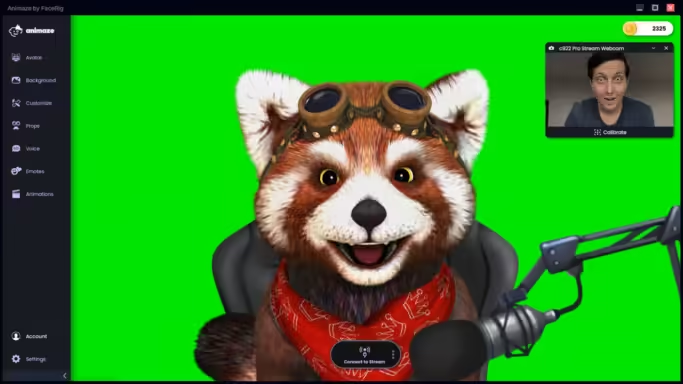
Animaze, developed by the original FaceRig team, is now available for free on Steam. Key features include:
- Seamless facial motion capture via webcam
- Extensive library of customizable 3D avatars
- Integration with popular streaming platforms
- Regular updates and new features
While Animaze offers a familiar experience for FaceRig users, it boasts improved performance and a more robust feature set.
#VTube Studio: Versatile VTubing and Animation
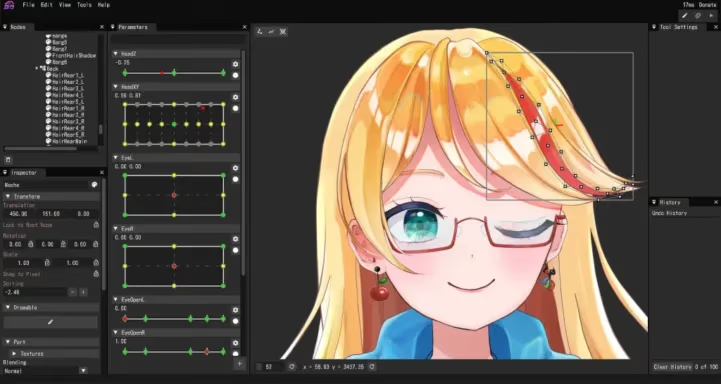
VTube Studio has gained significant popularity among VTubers. Notable features:
- Support for both 2D and 3D models
- User-friendly interface
- Robust facial tracking capabilities
- Free to use with optional paid features
#Snap Camera: Fun Filters and Effects
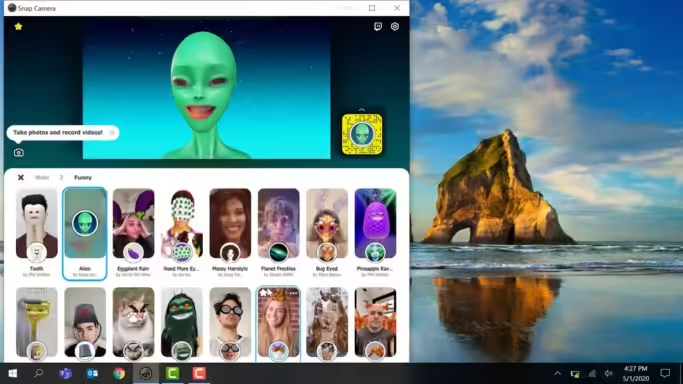
While not a full avatar system, Snap Camera offers:
- Wide variety of face filters and effects
- Easy integration with streaming and video conferencing platforms
- Access to community-created content
For those looking to enhance their virtual avatar experience, consider pairing your facial animation with a voice changer for Discord to create a more immersive persona.
#Professional-Grade Alternatives
#Rokoko Face Capture App
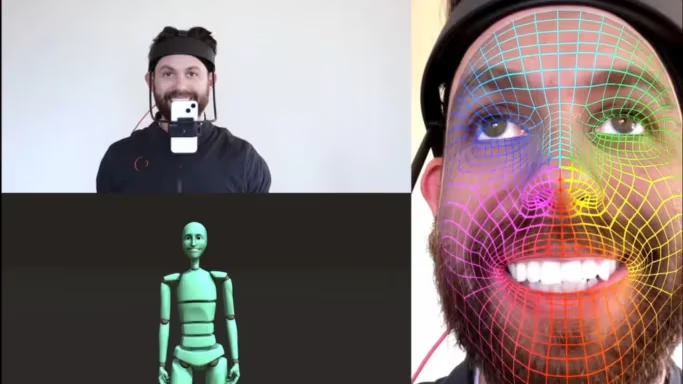
Ideal for professional animators and VFX artists:
- High-quality facial motion capture using iPhone’s TrueDepth camera
- Integration with industry-standard 3D software
- Advanced data processing for nuanced expressions
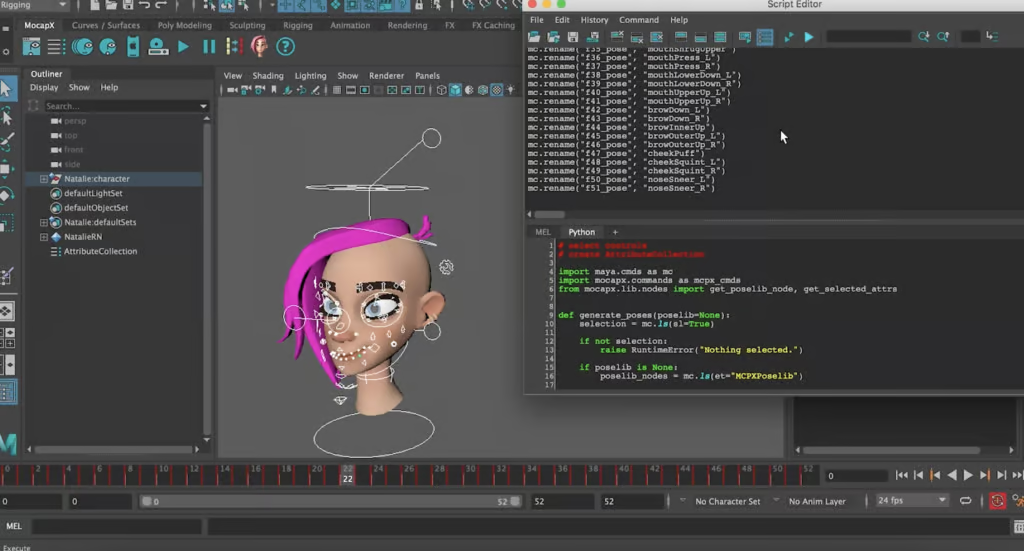
#MocapX
Designed for seamless integration with Autodesk Maya:
- Real-time streaming of facial animation data
- Support for multiple devices (up to two phones)
- Offline recording capabilities
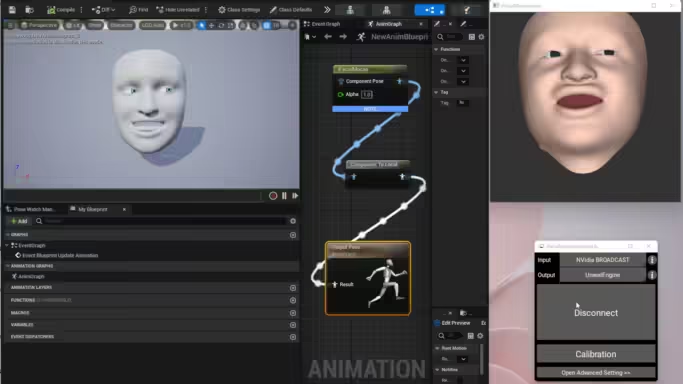
#iFacialMocap
A versatile option compatible with various 3D software:
- Works with Unity, Blender, and Lightwave 3D
- Live streaming and offline recording options
- Utilizes iPhone’s TrueDepth camera for accurate tracking
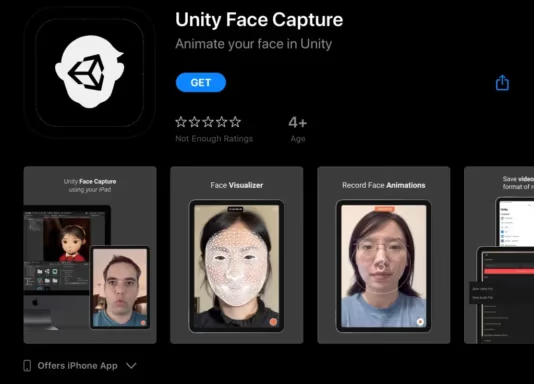
#Unity Face Capture App
Tailored for Unity developers and creators:
- Free for Unity users
- Part of a suite of live 3D production tools
- Seamless integration with Unity projects
#Open Source Options
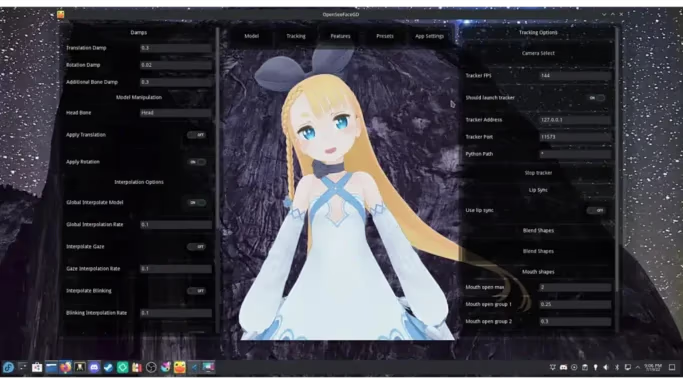
#Kalidoface 3D
The leading open-source alternative:
- Community-driven development
- Extensive customization possibilities
- Regular updates and improvements
#Inochi2D
Specializes in 2D VTuber avatars:
- Free and open-source
- Strong community support
- Ideal for users preferring 2D animation
#VPupPr
Supports VRM 3D models:
- Advanced features for detailed avatars
- Suitable for users familiar with 3D modeling
- Real-time interaction capabilities
#Platform-Specific Alternatives
#Windows-Compatible Options
- Animaze
- VSeeFace
- VUP
#Mac-Compatible Options
- YouCam
- VTube Studio
- Adobe Character Animator
#Linux-Compatible Options
- Kalidoface 3D
- Inochi2D
#Features Comparison
Software
Price
Platform
3D Avatars
2D Avatars
Motion Capture
Streaming Integration
Animaze
Free
PC
✓
✓
✓
✓
VTube Studio
Free/Paid
Multi
✓
✓
✓
✓
Rokoko
Paid
iOS
✓
✗
✓
✓
MocapX
Paid
iOS
✓
✗
✓
Limited
Kalidoface 3D
Free
Web
✓
✓
✓
Limited
#How to Choose the Right FaceRig Alternative
Consider these factors when selecting an alternative:
- Your primary use case (streaming, animation, video conferencing)
- Required features (3D vs. 2D, motion capture accuracy, customization options)
- Budget and willingness to pay for premium features
- Hardware compatibility (PC, mobile, specific cameras)
- Ease of use and learning curve
- Integration with your existing workflow and tools
#Tips for Getting Started with Facial Animation Software
- Invest in good lighting to improve tracking accuracy
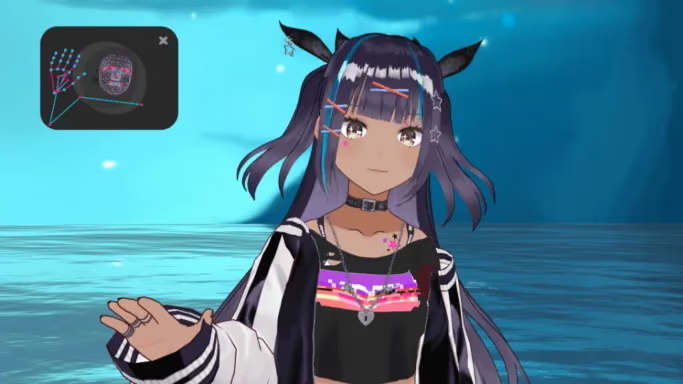
- Experiment with different avatars and styles to find your unique look
- Practice facial expressions to maximize the software’s capabilities
- Engage with user communities for tips, tricks, and troubleshooting
- Regularly update your software to access new features and improvements
For an extra layer of immersion, consider using an anime voice generator to match your virtual avatar’s appearance with a suitable voice.
#Enhancing Your Virtual Avatar Experience
To take your virtual persona to the next level, consider these additional tools:
- VRChat Voice Changer: Perfect for VRChat users looking to match their voice to their avatar.
- Voxal Voice Changer: A versatile tool for modifying your voice in real-time during streams or recordings.
- Background Blur Apps: Enhance your virtual setup by blurring or replacing your background on various platforms.
#Conclusion
The world of real-time facial animation has expanded far beyond FaceRig’s initial offerings. Whether you’re a casual streamer, aspiring VTuber, or professional animator, there’s a FaceRig alternative suited to your needs. By considering factors like features, compatibility, and ease of use, you can find the perfect tool to bring your digital persona to life.
#FAQs
Can I create custom avatars with these alternatives? Many of the alternatives, including Animaze, VTube Studio, and Kalidoface 3D, offer extensive customization options for creating unique avatars.
Is FaceRig still available? FaceRig has transitioned to Animaze, which is now the official successor and is available for free on Steam.
Can I use these alternatives on mobile devices? Some alternatives, like Avatoon and Rokoko Face Capture, are designed for mobile use. Others may require a PC or specific hardware.
Do I need special equipment for facial motion capture? While a standard webcam works for basic tracking, some software can utilize smartphone cameras or specialized depth-sensing cameras for improved accuracy.
Are these alternatives suitable for professional use? Yes, options like Rokoko Face Capture and MocapX are designed for professional-grade animation and can integrate with industry-standard software.