Legal HD MKV Movie Download Sources and Safety Tips
Find legal sources for downloadable movies, learn how MKV files work, and avoid copyright infringement, malware, fake players, and unsafe archives.
Quick AnswerUse public-domain or clearly licensed sources such as the Internet Archive, Library of Congress, and Creative Commons collections, then convert the file to MKV.
An MKV file is just a media container. It doesn’t tell you whether the movie was distributed legally. Start with a public-domain archive, a Creative Commons release, your own upload, or another source whose license expressly permits downloading.
- The Internet Archive hosts thousands of public-domain feature films you can legally download, then convert into MKV with any free transcoder.
- The Library of Congress National Screening Room publishes downloadable films from its collections, with rights information on each item page.
- MKV (Matroska) is an open container format that supports multiple audio tracks, subtitles, and video resolutions up to 4K within a single file.
- Most modern smartphones play MKV natively, but older TVs may need a media player app or a streaming device like Roku, Fire TV, or Apple TV.
- A converter can repackage a file you have permission to download, but it doesn’t grant rights to copy a protected stream.
#Where Can You Download MKV Movies Legally?
Check the rights statement for the exact film before downloading.
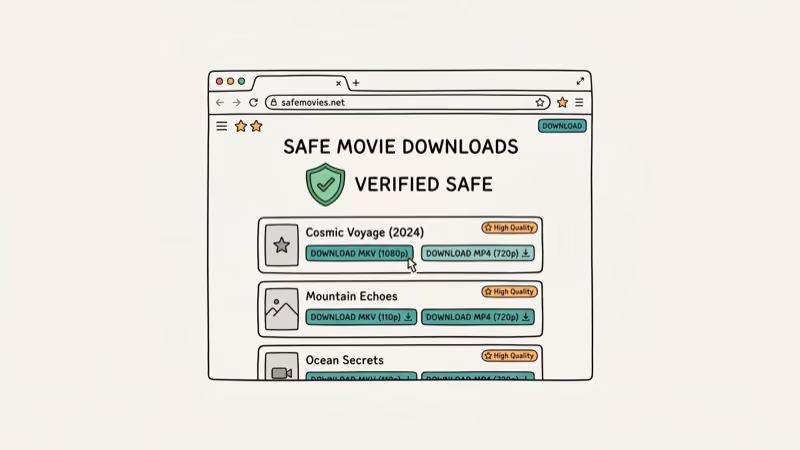
Don’t use a generic movie index as proof of permission. A polished player, a familiar poster, or a copyright disclaimer doesn’t establish that the operator can distribute the file. If the item page doesn’t identify a public-domain status or a license that covers downloads, leave it alone.
#Converting Licensed Downloads to MKV
iTubeGo can convert media from sources you have the rights to use. Keep it to your own uploads, public-domain files, and downloads whose license permits a local copy.
Conversion doesn’t remove copyright restrictions or authorize copying a subscription stream.
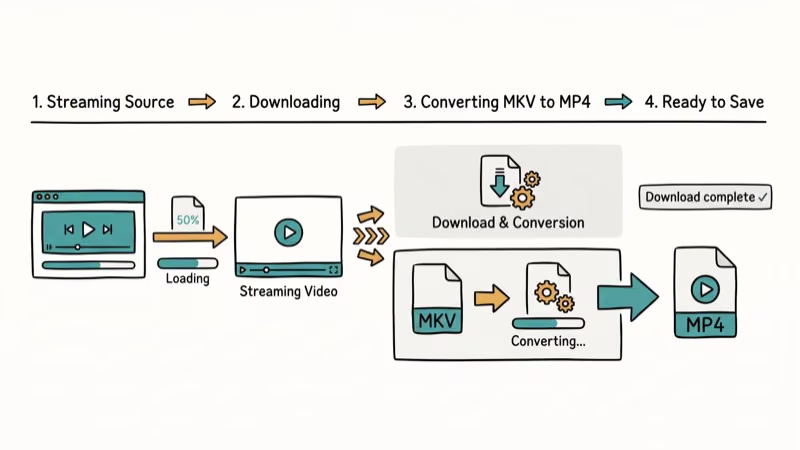
For a file you’ve already obtained legally, a dedicated transcoder such as HandBrake gives you more control over codecs, audio tracks, subtitles, and output size.
#Key Features of iTubeGo:
- Convert downloaded videos into any format, including AVI, MP4, MKV, WMV, MOV, and more
- Convert a batch of files you already have permission to copy
- Transfer converted files to iOS or Android
- Merge HD audio and video files automatically
As an Amazon Associate, fone.tips earns from qualifying purchases. Some links on this page are affiliate links.
PS: let’s learn more about free MKV cutters and how to convert MKV to divx.
#How Do You Download MKV Movies Safely?
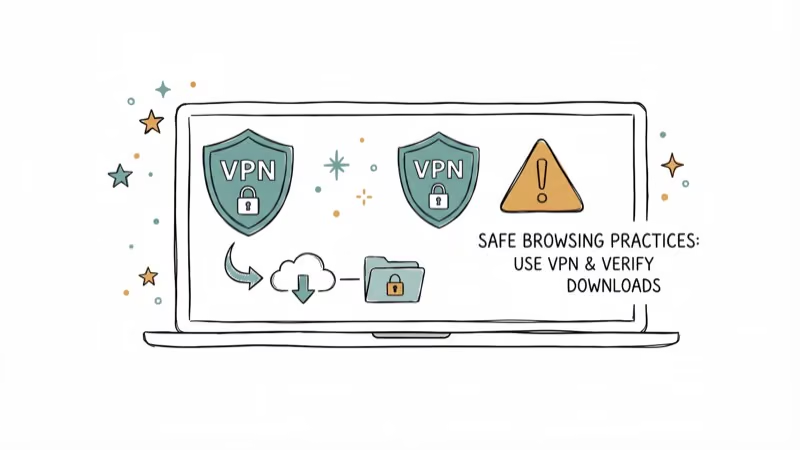
Safety has two layers: technical (don’t infect your device) and legal (don’t download what you don’t have rights to). Follow these tips for both.
- Use a reliable, secure internet connection so a half-finished download doesn’t leave a corrupt MKV on disk.
- Check available storage before you start; an HD MKV can be 4-8 GB, and a 4K rip can exceed 20 GB.
- Run a reputable antivirus on every downloaded file before opening it, including archives from sites you trust.
- Pair a download manager with checksum verification when the source publishes one (Internet Archive items, for example, expose SHA-1 hashes on every file’s details page).
- Confirm the title is legally available to you (public domain, your own backup, or a license that permits downloading) before clicking any download link.
#Public-Domain MKV Sources Worth Bookmarking
Want movies you can legally download without second-guessing the host’s rights? Start here.
The Internet Archive’s Feature Films collection hosts thousands of titles in the public domain, from silent classics like Nosferatu (1922) to mid-20th-century B-movies and Cold War-era propaganda reels. Files are usually offered in MPEG-4 or AVI; convert any of them into MKV with iTubeGo or another free transcoder.
Founded in 1996, the Internet Archive also publishes SHA-1 checksums on every file’s details page, which lets you verify a download wasn’t tampered with in transit.
The Library of Congress’s National Screening Room curates digitized films from the Library’s own holdings, many in the public domain or released for educational use. According to the Library of Congress, the National Film Registry was established in 1988 and has added 25 culturally significant titles every year since 1989.
For Creative Commons-licensed work, browse the Vimeo Creative Commons portal. It surfaces short and feature-length films released under permissive licenses. Read each title’s specific license before reuse, since CC variants range from full reuse to “non-commercial, attribution required.”
#MKV Container Format Technical Overview
A quick primer on what an MKV file actually is.
The Matroska container is an open standard maintained by the Matroska project. The project’s official technical specifications confirm that the format is built on EBML (Extensible Binary Meta Language) and can hold an effectively unlimited number of video, audio, picture, and subtitle tracks within a single file. Wikipedia’s Matroska article confirms that development began in 2002, which makes MKV one of the most mature open container formats still in active use.
WebM is a browser-focused Matroska subset. MKV suits permitted archival copies with multiple audio and subtitle tracks.
#Playing MKV Files Across Operating Systems
VLC Media Player is the most reliable cross-platform MKV player. The official VLC features page confirms that the player handles MKV natively on Windows, macOS, Linux, Android, iOS, and Apple TV without an extra codec pack.
Our MKV player comparison covers other playback options, while the subtitle extraction guide explains how to save a permitted subtitle track. VLC is free and open-source under the GPL, maintained by the non-profit VideoLAN organization.
If you prefer the built-in player on Windows or Mac instead, both platforms now handle MKV natively. Microsoft added MKV support to the Movies & TV app in Windows 10 (released on 29 July 2015) and improved hardware-accelerated decoding in Windows 11, while macOS users can install IINA, a modern Mac-styled player built on top of mpv that inherits the same broad codec support without the legacy interface baggage.
Phones and TVs are covered too. Android plays MKV natively since 2018, the VLC iOS app handles iPhone and iPad, and Roku, Fire TV, and Apple TV all run VLC.
#Bottom Line
For legally downloadable MKV movies, start with the Internet Archive and the Library of Congress National Screening Room. Both are free and publish item-level rights information. Use a converter only after you’ve confirmed that the source permits a local copy.
Always run downloaded files through a reputable antivirus before opening, even archives from sources you trust, since tampered packages can slip through any host. Free file-sharing sites are a common malware vector, so an up-to-date scanner catches most risky archives before they ever run.
#Frequently Asked Questions
Are these HD MKV movie download sites legal?
Legality hinges on the specific title and its license. Copyrighted movies copied without permission can infringe the rightsholder’s rights. Stick to public-domain works, files released under Creative Commons terms that permit the download, or media you created yourself.
Can I watch MKV movies on my smartphone?
Yes. Most modern Android and iOS devices support MKV playback natively. Older devices may need a third-party player like VLC, which is free and supports virtually every video format.
How much storage do MKV movies need?
A typical 1080p MKV movie takes 4-8GB of storage. A 720p version runs 1.5-3GB, while 4K MKV files can exceed 20GB per movie, so you’ll want an external drive or large SD card for those. Bear in mind that MKV rips usually carry every audio track and subtitle stream from the source disc, which is why they’re often larger than the equivalent MP4 — the trade-off is full archival fidelity rather than smaller files.
Are subtitles available in MKV files?
Yes. The MKV container supports multiple embedded subtitle tracks. You can switch between languages directly in your media player without downloading separate subtitle files.
Can I play MKV files on a Smart TV?
Most Smart TVs from 2018 onward support MKV playback. For older models, connect a streaming device like a Roku, Fire TV Stick, or Chromecast and use the VLC app to play MKV files.
What’s the difference between MKV and MP4?
MKV supports more audio tracks, subtitle tracks, and video codecs in a single file. MP4 is more widely compatible but limited to fewer tracks. For archiving movies with multiple languages and subtitles, MKV is the better choice.

Best Laptop for Running LLMs in 2026: Memory Comes First
The best laptop for running LLMs is a memory purchase first. Compare MacBook unified memory against NVIDIA laptop VRAM, and see what each tier really runs.

Pixel 11 vs Pixel 10: What Changed and Who Should Upgrade
Pixel 11 vs Pixel 10: same screen and camera resolution, new Tensor G6, 25W wireless, and Gemini Intelligence. Here is who should actually upgrade.

Best Power Bank for iPad in 2026: Pro, Air, and Mini
Best power bank for iPad in 2026. Compare mAh tiers and USB-C PD wattage for iPad Pro, Air, and mini, plus airline Wh math, cables, and travel tips.

Best Power Bank With Built-In Cable: Top 2026 Picks
Best power bank with built-in cable picks for 2026. Compare single USB-C, multi-connector, and retractable laptop banks, plus airline Wh math.