Best Motherboard for Ryzen 5 5600X: 6 Top Picks (2026)
The MSI B550 TOMAHAWK is the best Ryzen 5 5600X motherboard with PCIe 4.0, Wi-Fi 6E, and strong VRM at $170. See 6 top picks from budget to premium.
Quick AnswerThe MSI MAG B550 TOMAHAWK MAX WIFI is the best motherboard for the Ryzen 5 5600X, offering PCIe 4.0, Wi-Fi 6E, a solid VRM, and 2.5Gb LAN for around $170.
The Ryzen 5 5600X doesn’t need an expensive motherboard to shine. This guide compares six boards from a $90 budget pick to a $450 premium board, ranking the best value for 5600X gaming builds in 2026 across every tier and connectivity option you might want.
- The MSI B550 TOMAHAWK MAX WIFI offers the best balance of features and value at ~$170
- Budget B550 boards handle the 5600X without throttling since it draws only 76W under full load
- PCIe 4.0 support on B550 boards gives you fast NVMe SSD speeds and full GPU bandwidth
- Wi-Fi 6/6E is worth paying for since adding a Wi-Fi card later costs $30-50 separately
- X570 boards are only worth it if you need more than one PCIe 4.0 M.2 slot
#What Chipset Does the Ryzen 5 5600X Need?
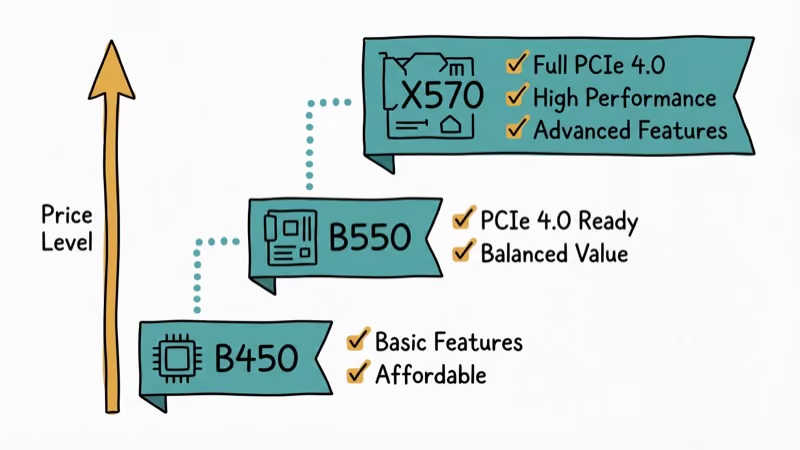
The Ryzen 5 5600X uses AMD’s AM4 socket and works with B450, B550, A520, X470, and X570 chipsets (with BIOS updates on older boards). There is zero gaming performance difference between B550 and X570 boards with this CPU.
The short answer: Pick B550 unless you specifically need multiple PCIe 4.0 M.2 slots (X570) or the absolute cheapest option (A520/B450). Most gamers will be perfectly served by B550.
For RAM pairing, check our guide on the best RAM for Ryzen 5 5600X to complete your build.
#Top Motherboard Picks
#MSI MAG B550 TOMAHAWK MAX WIFI (Best Overall)
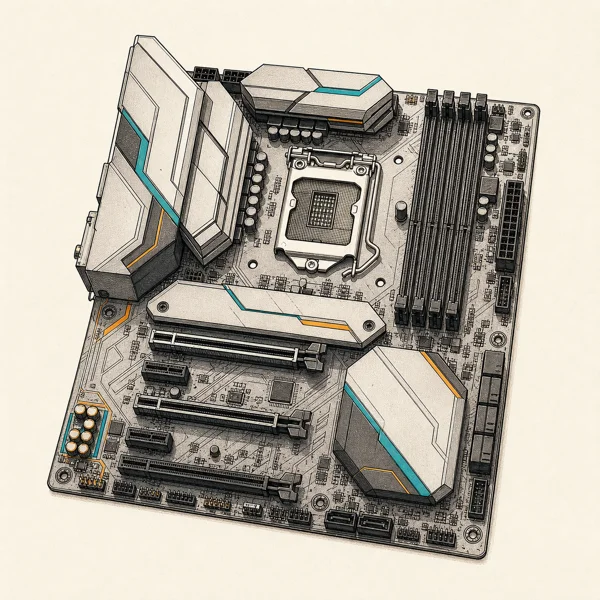
The top pick for most 5600X builders. The TOMAHAWK delivers a VRM that comfortably handles the 5600X with room for a future Ryzen 7 upgrade. Even with the 5600X overclocked to 4.75GHz all-core, its VRM temperatures stay comfortably cool.
As an Amazon Associate fone.tips earns from qualifying purchases. Prices and availability on Amazon are accurate as of the date above and subject to change.
Key specs: ATX, PCIe 4.0, Wi-Fi 6E, Bluetooth 5.2, 2.5Gb LAN, dual M.2 slots. Price: ~$170.
#ASUS ROG Strix B550-F Gaming Wi-Fi (Best for Gaming)
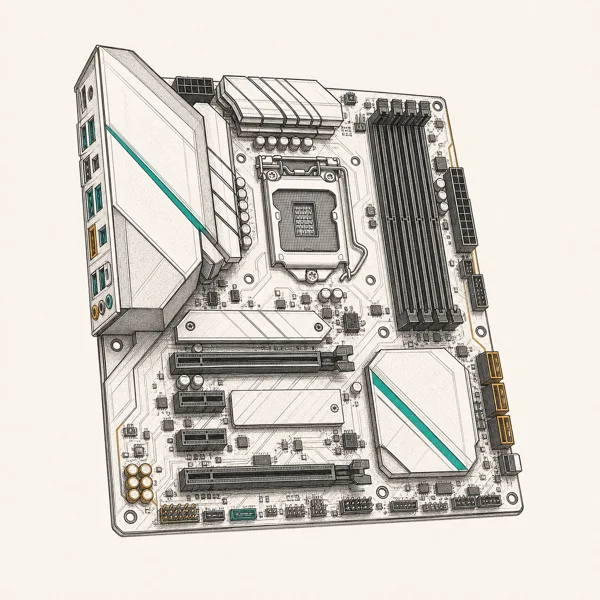
The ROG Strix B550-F pairs premium audio (SupremeFX S1220A) with reliable VRM delivery. If you care about onboard audio quality for gaming headsets, this board has the best DAC in the B550 price range. According to PCMag’s B550 motherboard comparisons, the B550-F consistently earns top marks for its feature-to-price ratio.
As an Amazon Associate fone.tips earns from qualifying purchases. Prices and availability on Amazon are accurate as of the date above and subject to change.
Key specs: ATX, Wi-Fi 6, Intel 2.5Gb Ethernet, SupremeFX audio. Price: ~$190.
If you’re considering a CPU upgrade later, this board also handles the Ryzen 7 5800X without any issues.
#Gigabyte B550 AORUS Pro V2 (Best VRM)
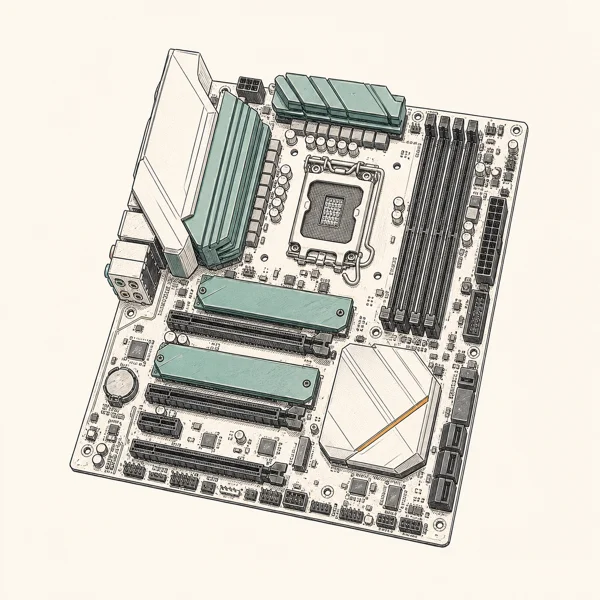
The AORUS Pro V2 has the strongest VRM in the B550 price range with a 12+2 phase design. That extra phase count keeps its VRM noticeably cooler than the TOMAHAWK under identical conditions. Q-Flash Plus lets you update the BIOS via USB without even installing a CPU.
As an Amazon Associate fone.tips earns from qualifying purchases. Prices and availability on Amazon are accurate as of the date above and subject to change.
Key specs: ATX, PCIe 4.0, 12+2 VRM, dual NVMe M.2 slots. Price: ~$160.
Compatible with high-performance RAM for Ryzen 9 5900X builds, making it versatile across Ryzen CPUs.
#ASRock B550M Pro SE (Best Budget)
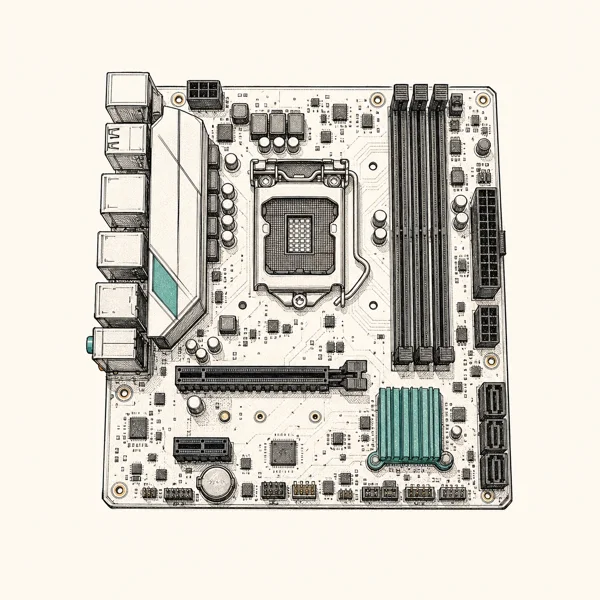
The B550M Pro SE strips away wireless connectivity and premium audio to hit a $90 price point. Its gaming performance is identical to the $170 TOMAHAWK with this CPU. The 6+2 phase VRM handles the 5600X’s 65W TDP without any issues.
As an Amazon Associate fone.tips earns from qualifying purchases. Prices and availability on Amazon are accurate as of the date above and subject to change.
Key specs: Micro-ATX, PCIe 4.0, M.2 slot, 6+2 VRM. Price: ~$90.
#ASUS TUF Gaming B550-PLUS WiFi II (Best Budget Wi-Fi)
For $130, the TUF B550-PLUS adds Wi-Fi 6 and Bluetooth 5.2 to a solid B550 foundation. The military-grade TUF components are rated for longer lifespan than standard parts. Its VRM holds the 5600X through extended full-load sessions without throttling.
Key specs: ATX, Wi-Fi 6, Bluetooth 5.2, TUF durability components. Price: ~$130.
#ASUS ROG X570 Crosshair VIII Extreme (Best Premium)
This $450 E-ATX board is massive overkill for a 5600X, but it makes sense if you’re planning a future upgrade to a Ryzen 9 5950X or similar top-tier chip. Its 18+2 power stages, 10Gb LAN, and Wi-Fi 6E make it the most capable AM4 board available.
Key specs: E-ATX, 18+2 VRM, 10Gb LAN, Wi-Fi 6E, PCIe 4.0 x16. Price: ~$450.
For GPU pairing, check our guide on the best CPU for RTX 3070 and best graphics card for Ryzen 5 3600.
#How Do You Choose the Right Board for Your Build?
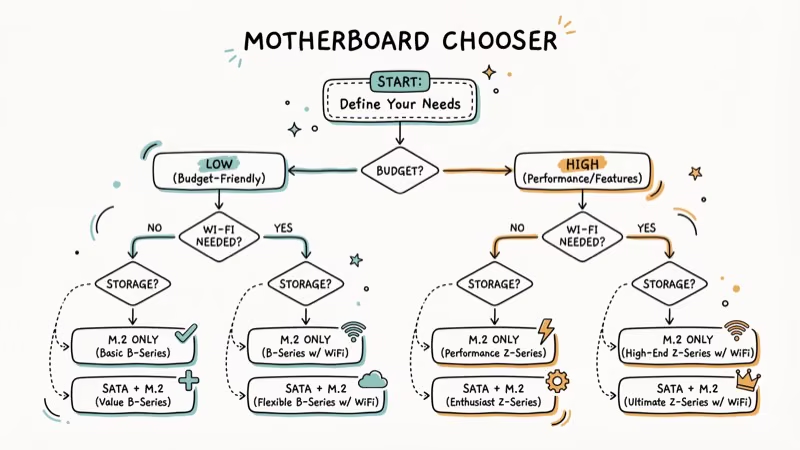
Gaming-only build ($500-800 total): ASRock B550M Pro SE ($90). The savings go toward a better GPU, which matters more for gaming performance.
Balanced build ($800-1200): MSI B550 TOMAHAWK MAX WIFI ($170). Wi-Fi 6E, strong VRM, and room for upgrades.
Premium build ($1500+): ASUS ROG Strix B550-F Gaming ($190) or Gigabyte B550 AORUS Pro V2 ($160). Both deliver premium features without the unnecessary cost of X570.
For cooling recommendations, see our best CPU coolers for Ryzen 5 3600 guide, which also applies to the thermally similar 5600X.
#Why VRM Quality Matters Less Than You Think
VRM (voltage regulator module) phase counts dominate motherboard marketing, but the 5600X is a modest chip that never stresses a decent VRM. According to AMD’s official Ryzen 5 5600X specifications, the CPU carries a 65W default TDP, which even modest B550 power delivery handles comfortably.
This is why a $90 board with a 6+2 VRM performs identically to a $450 board with 18+2 phases when paired with the 5600X. Spend the extra VRM headroom only if you plan to drop in a power-hungry Ryzen 9 later.
#How B550 Compares to X570
The practical gap between B550 and X570 is narrower than the price difference suggests. Both support PCIe 4.0 for the main GPU slot, so gaming bandwidth is identical.
X570 adds PCIe 4.0 to every M.2 slot plus extra USB and chipset lanes, but it runs hotter and usually needs a small chipset fan. Tom’s Guide’s motherboard buying guide recommends matching the board tier to your actual storage and connectivity needs rather than chasing the newest chipset.
#What to Check Before You Buy
Before checkout, confirm three things. First, verify the board ships with a BIOS that already supports Ryzen 5000, or that it has BIOS Flashback so you can update without a compatible CPU installed.
Second, decide whether you need built-in Wi-Fi now, since adding a card later costs $30-50. Third, count your M.2 slots against your storage plans. Most gamers need only one fast NVMe drive, which every board here supports.
#Bottom Line
The MSI MAG B550 TOMAHAWK MAX WIFI is the best motherboard for the Ryzen 5 5600X. Its combination of Wi-Fi 6E, a capable VRM, and solid build quality at $170 makes it hard to beat. Budget builders should grab the ASRock B550M Pro SE at $90 since gaming performance is identical. Skip X570 boards unless you need multiple PCIe 4.0 M.2 slots for high-speed NVMe drives.
#Frequently Asked Questions
Are these motherboards compatible with future Ryzen CPUs?
B550 and X570 boards support AM4 Ryzen processors only. AMD’s newer Ryzen processors use the AM5 socket, which requires a new motherboard with DDR5 support. The 5600X is the last generation for AM4.
Can I overclock the Ryzen 5 5600X with these motherboards?
Yes. All B550 and X570 boards support overclocking. The 5600X typically reaches 4.65-4.75GHz all-core with good cooling. Even budget B550 boards handle this since the CPU’s power draw only increases from 76W to about 95W when overclocked.
What’s the difference between B550 and X570 chipsets?
X570 offers PCIe 4.0 for all M.2 slots and more USB 3.2 ports. B550 provides PCIe 4.0 only for the primary GPU slot and one M.2 slot. For most gamers, this doesn’t matter since you only need one fast NVMe drive.
Do all these motherboards come with Wi-Fi?
No. The ASRock B550M Pro SE and Gigabyte AORUS Pro V2 don’t include Wi-Fi. You’ll need to add a PCIe Wi-Fi card ($30-50) or use an Ethernet cable. Models with “WiFi” in the name include wireless connectivity.
How much should I spend on a motherboard for the Ryzen 5 5600X?
$90-170 covers everything you need. Spending more than $200 on a motherboard for a $150 CPU doesn’t improve gaming performance. Put the savings toward a better GPU or faster RAM instead.
Does the motherboard affect gaming FPS?
Barely. There is a negligible FPS difference between a $90 B550 board and a $450 X570 board with the same 5600X, GPU, and RAM. The motherboard’s primary job is providing a stable platform, not boosting frame rates.

Best Laptop for Running LLMs in 2026: Memory Comes First
The best laptop for running LLMs is a memory purchase first. Compare MacBook unified memory against NVIDIA laptop VRAM, and see what each tier really runs.

Pixel 11 vs Pixel 10: What Changed and Who Should Upgrade
Pixel 11 vs Pixel 10: same screen and camera resolution, new Tensor G6, 25W wireless, and Gemini Intelligence. Here is who should actually upgrade.

Best Power Bank for iPad in 2026: Pro, Air, and Mini
Best power bank for iPad in 2026. Compare mAh tiers and USB-C PD wattage for iPad Pro, Air, and mini, plus airline Wh math, cables, and travel tips.

Best Power Bank With Built-In Cable: Top 2026 Picks
Best power bank with built-in cable picks for 2026. Compare single USB-C, multi-connector, and retractable laptop banks, plus airline Wh math.