Change Location in Pokemon GO: Rules and Safe Options
Can you change location in Pokemon GO safely? Learn why GPS spoofing risks account strikes and which official features solve common access problems.

Quick AnswerChanging your Pokemon GO location with a spoofing tool violates Niantic rules and can lead to account termination. Use official game features and real GPS instead.
You can’t safely change your Pokemon GO location with a GPS-spoofing tool. Niantic defines falsifying location as cheating, whether the false coordinates come from an iPhone desktop tool, an Android mock-location app, or a modified game client.
- Pokemon GO expects the real position reported by a supported phone’s Location Services
- Niantic’s official fairness policy lists GPS location spoofing as cheating
- A desktop tool, VPN, mock-location app, or modified client doesn’t create an approved exception
- Account action can escalate from a warning to suspension or permanent termination
- Adventure Sync, remote raids, Wayspot nominations, and GPS troubleshooting are compliant alternatives
#Why Do Players Want to Change Location in Pokemon GO?
Rural players may have fewer nearby PokeStops, gyms, and public gathering points. Other players want access to distant raids, regional Pokemon, or walking credit when mobility, weather, or time makes outdoor play difficult.
Those access problems are real. False GPS coordinates are still the wrong fix because they misrepresent where the device is to a location-based game.

According to Niantic’s Gameplay Fairness Policy, cheating includes “falsifying location (GPS location spoofing),” unauthorized access to game clients, and third-party software or add-ons. A feature offered by another app doesn’t override that account rule.
That is the boundary.
#Why Common Location-Changing Methods Are Not Safe
Older guides often label one method “safer” because it runs on a computer, leaves the official app unchanged, or can imitate ordinary movement. That is a claim about avoiding detection, not evidence of permission.
iPhone desktop tools: Location simulators can be useful for developing and testing your own app on an authorized device. Using one to feed false coordinates to Pokemon GO is not an approved testing scenario.
The device doesn’t change the rule.
Android mock-location apps: Android exposes location-testing controls for developers. Selecting an app as a mock-location provider and then opening Pokemon GO turns a development feature into location spoofing.
Modified Pokemon GO clients: An unofficial build can combine the game with movement controls or other changes. Niantic’s policy separately prohibits unauthorized game clients and third-party add-ons.
Neither does the client.
VPN services: A VPN changes the phone’s network route and public IP address. It doesn’t change the GPS position reported by Location Services, and pairing it with another tool doesn’t make false coordinates compliant.
Don’t install or configure these products to alter Pokemon GO. We also don’t recommend moving the setup to a secondary account, limiting it to one region, or trying to imitate realistic travel. Those are detection-evasion strategies, not fixes.
#Account Penalties for Location Spoofing
Niantic publishes a three-stage enforcement system for cheating.

| Stage | Stated action | Stated duration |
|---|---|---|
| First strike | Warning and degraded gameplay | Approximately 7 days |
| Second strike | Account suspension | Approximately 30 days |
| Third strike | Permanent account termination | Permanent |
The sequence isn’t a guarantee. The official policy says some misconduct can lead to immediate account termination without a prior warning. It also provides an appeal route when a player believes a termination was an error, but an appeal doesn’t guarantee restoration.
Account penalties are the most direct risk. Whether location simulation is legal outside the game depends on local law, ownership, authorization, and what the simulated data is used for.
#Official Options That Cover the Same Needs
Use the feature that matches the underlying problem instead of changing the phone’s position.
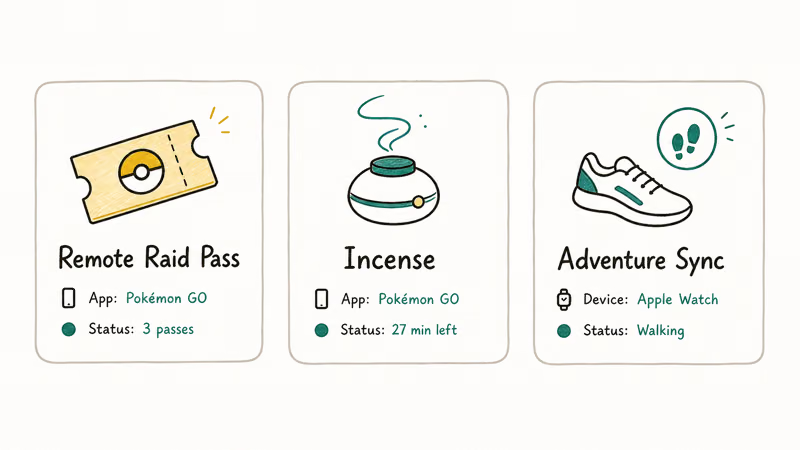
Walking and egg progress: Adventure Sync credits real activity while the game is closed. According to Niantic’s Adventure Sync guide, it uses the phone’s health data and needs the relevant permissions. Use the Adventure Sync troubleshooting guide if real activity isn’t appearing.
Far-away raids: Remote Raid Passes let you join an eligible raid through an invitation. Check the current in-game limits and event rules because availability can change.
No GPS override is needed.
Hands-free local play: Pokemon GO Plus + can spin PokeStops and throw Poke Balls under supported conditions. Niantic’s official Bluetooth devices page states that these accessories connect to the game and support specific actions. Read the Pokemon GO Plus + guide if this is the access problem you’re solving.
Sparse local maps: Eligible players can submit real-world points of interest through Niantic Wayfarer. Approval takes time, but a valid Wayspot nomination addresses the map rather than falsifying the phone’s location.
Fix the local map instead.
Regional Pokemon: Trade with another Trainer when the Pokemon is eligible, watch official event announcements, and plan real travel around local rules. Don’t rely on a location-changing seller’s promise that its route is undetectable.
#How Should You Fix a Wrong Pokemon GO Location?
If Pokemon GO shows the wrong real-world position, troubleshoot the supported phone and official app.
- Check Location Services. Turn on location access and allow the permission requested by Pokemon GO.
- Move to an open area. Tall buildings, garages, and indoor spaces can weaken GPS reception.
- Disable test-location software. Return the phone to its normal location configuration before opening the game.
- Restart the app and phone. This can clear a stale GPS session without changing the Trainer account.
- Check device support. Niantic’s supported-device page lists the phone, operating-system, GPS, and Location Services requirements.
For a reception error, follow the Pokemon GO GPS signal fixes. If the app opens at the wrong place after a flight or long drive, close it, restore ordinary location access, and wait for the phone to obtain a fresh real GPS fix before playing.
If the official app still can’t resolve the position, use the failed-to-detect-location guide and the Pokemon GO loading fixes before changing account settings.
Keep the fix ordinary.
Google Play’s official Pokemon GO listing states that the Android app is optimized for smartphones. An emulator or location simulator isn’t a substitute for a supported phone.
#Location Simulation for Developers
Yes. Simulated locations are useful when you’re building or testing your own software, checking map boundaries, or validating geofencing on a device you’re authorized to configure.
That boundary matters.
Keep that workflow separate from Pokemon GO. Use a dedicated test build, test account for your own service, and documented platform development tools. Don’t present Pokemon GO as the test case for a commercial location changer.
#Bottom Line
Changing Pokemon GO to a false location isn’t a supported shortcut. A tool can successfully alter phone coordinates and still put the Trainer account in direct conflict with Niantic’s fairness policy.
The answer is direct.
Use the official app, real Location Services, and the official feature that fits your need. If the location is simply wrong, fix the GPS signal instead of adding a spoofing layer.
Pokémon GO Guide
#Frequently Asked Questions
Can I get banned for changing my location in Pokemon GO?
Yes. Niantic’s published enforcement system can escalate from a warning to a suspension and permanent account termination. The policy also allows immediate termination for some misconduct.
Does a VPN change my Pokemon GO location?
No. A VPN changes the network route and public IP address, not the GPS coordinates supplied by the phone. It doesn’t make a separate location-spoofing setup compliant.
Is there a safe GPS spoofing app for Pokemon GO?
No method has official approval. The account rule covers false location data regardless of whether it comes from a free app, paid desktop program, modified client, or device alteration.
Can I use Android Developer Options with Pokemon GO?
Developer Options can support legitimate testing on your own app and device. Selecting a mock-location provider for Pokemon GO falsifies the game’s location data and violates the fairness policy.
Can I use Apple’s location simulation for Pokemon GO?
Apple’s development tools support testing software you control. They don’t grant permission to falsify location in a third-party game.
What should I do if Pokemon GO places me in the wrong location?
Restore normal Location Services, move somewhere with a clear sky view, restart the phone, and confirm that the official app has location permission. Use GPS troubleshooting if the position remains wrong.
Can I appeal a Pokemon GO account termination?
You can submit an appeal when you believe the action was an error. Niantic reviews appeals, but the process doesn’t guarantee that a terminated account will return.
Is location simulation always illegal?
No. Development and QA on software and devices you control can be legitimate. Laws vary, and Pokemon GO’s account rules still prohibit falsifying location in the game.
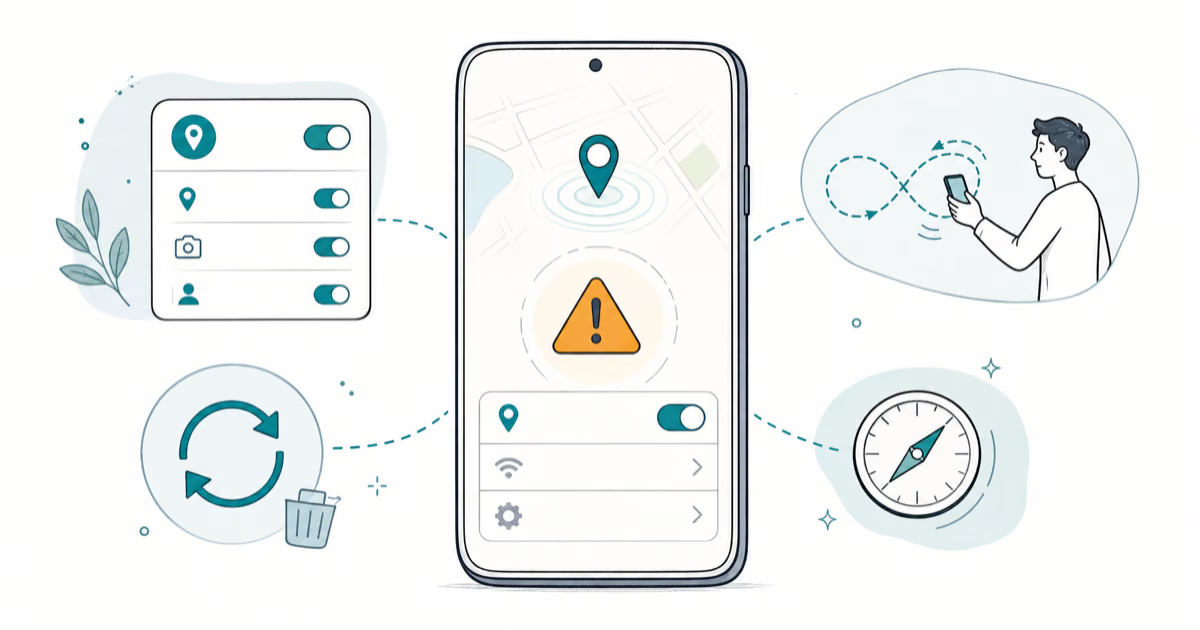
Pokemon GO GPS Signal Not Found: 7 Proven Fixes (2026)
Pokemon GO GPS signal not found? Seven ordered fixes for Android and iPhone covering precise location, permissions, mock-location, and more.
TweakBox Pokemon GO Review: Does It Still Work in 2026?
TweakBox Pokemon GO usually fails. Learn why, what Niantic's ban policy means for your account, and which official alternatives to use instead.
How to Auto Walk in Pokemon GO: Safe and Risky Methods
Learn how Pokemon GO Adventure Sync credits real activity, why fake-step and GPS tools risk account strikes, and which official options to use.
How to Find Magikarp Nests in Pokemon GO (2026 Guide)
Find Magikarp nests in Pokemon GO using community maps, water biomes, and rainy weather boosts. Plus candy farming tips to evolve Gyarados fast.