How to Change Your Starting Point on DoorDash (2026)
Learn how to change your starting point on DoorDash to dash in busier zones and earn more. Covers the Dasher app, scheduling, and troubleshooting tips.
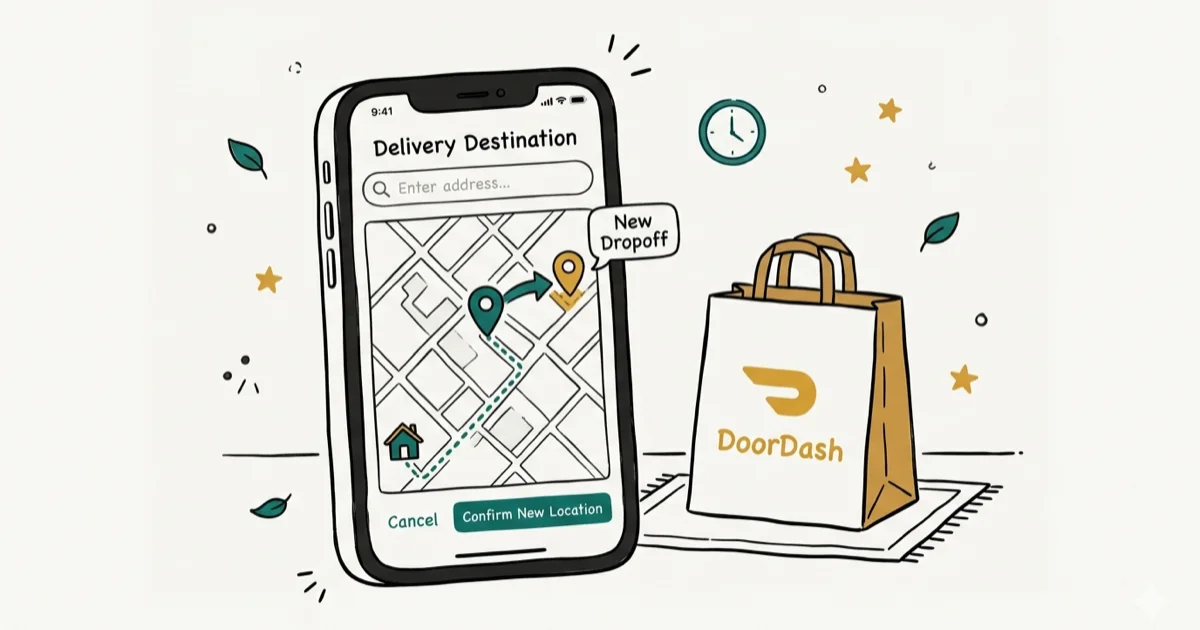
Quick AnswerOpen the DoorDash Dasher app, tap the location icon on the map, search for or select a new zone, and tap 'Dash Now' or schedule a dash in that area to change your starting point.
Your DoorDash starting point controls which delivery zone you’re assigned to, and picking the right one can mean the difference between a slow shift and a busier one. Choosing an active zone can increase your order chances, but the app doesn’t guarantee earnings.
This guide applies only to a device or account you own.
- Your starting point determines which delivery zone you receive orders from, directly affecting order volume and trip distance
- Tap the location icon on the Dasher app map to browse available zones, then tap Dash Now to start in a new area
- If Dash Now isn’t available, use the Schedule tab and select Change My Dashing Location to set your zone for a future shift
- Red and pink zones on the map indicate high demand and typically offer better earnings and shorter wait times between orders
- Lunch and dinner rushes are often the busiest windows; use the app’s live zone colors to confirm local demand
#Understanding DoorDash Starting Points
Your starting point is the geographic zone where the DoorDash Dasher app sends you delivery requests. Each city is divided into multiple zones, and the one you select determines which restaurants and customers you’ll serve during a dash.
According to DoorDash’s official Dasher support page, Dashers can choose from any active zone in their area. The zone you pick affects three things directly:
-
Order volume. Busier zones generate more requests per hour.
-
Trip distance. Zones with tightly clustered restaurants mean shorter drives between pickups and faster turnaround times on each delivery.
-
Peak pay bonuses. DoorDash adds extra pay to high-demand zones, marked by red or pink shading.
Your starting point isn’t permanent. You can change it before every dash, which makes it worth experimenting with different zones to find your most profitable area.
#How Do You Change Your Starting Point in the Dasher App?
The fastest way to switch zones is through the Dasher app’s map screen. Here’s the step-by-step process:
-
Open the DoorDash Dasher app.
-
Tap the location icon on the map to view all available zones in your area, then scroll or pinch to browse different neighborhoods.
-
Tap your preferred zone. Red means high demand.
-
Tap Dash Now if the button is active.
-
A confirmation pop-up appears. Tap Okay to start dashing in the new location.
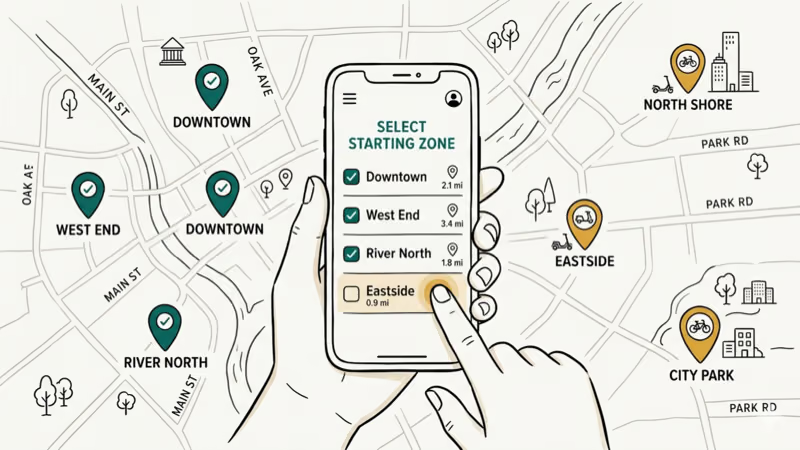
After you confirm, the app switches the selected zone and uses that zone for new delivery requests when Dash Now or a scheduled shift is available.
If you’re juggling multiple delivery apps, knowing what time DoorDash opens in your target zone helps you plan your starting point around peak demand windows.
#Workarounds When Dash Now Isn’t Available
When a zone has enough active Dashers, the Dash Now button turns gray. This doesn’t mean you can’t dash there. You’ve got two workarounds:
Option 1: Schedule a future dash.
-
Go to the Schedule tab at the bottom of the app.
-
Tap Change My Dashing Location at the top of the screen.
-
Select your preferred zone from the list and pick an available time slot.
Option 2: Wait for demand to spike.
During peak meal hours, zones that were full often reopen. Keep the app open and watch for the zone color to shift from gray to pink or red. According to DoorDash’s Dasher FAQ, scheduled dashes guarantee your spot in a zone, while Dash Now availability depends on real-time Dasher supply.
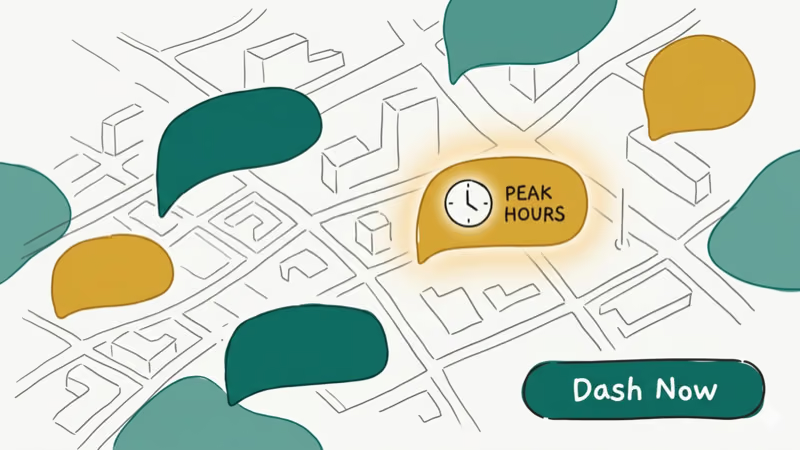
According to DoorDash background, dashers often get more predictable access by scheduling shifts in advance rather than relying on Dash Now. Scheduling lets you lock in high-demand zones before they fill up.
#How Do You Change Your Starting Point on Android vs. iPhone?
The process is similar on both platforms, with minor interface differences.
On Android:
-
Open the Dasher app.
-
Tap the zone you want to switch to on the city map, which loads automatically on the home screen.
-
Tap Change if prompted, then confirm.
On iPhone:
-
Open the Dasher app and go to the home screen.
-
Tap Schedule a Dash if Dash Now isn’t available.
-
Select Change My Dashing Location from the scheduling menu.
-
Enter your new starting point and confirm.
Both Android and iPhone support the same core zone-switching flow, though map and scheduling controls may appear in slightly different places. You can switch zones before starting a dash when the zone is available.
If you’re managing your DoorDash payment methods while switching zones, the payment settings stay the same regardless of which zone you’re dashing in.
#Best Practices for Choosing a Starting Point
Picking the right zone isn’t random. These strategies help you maximize earnings:
-
Target red and pink zones. More orders, less waiting.
-
Dash during peak hours. Lunch and dinner rushes are commonly busy windows in many markets, but check the app’s live zone colors before committing.
-
Learn restaurant density. Zones near shopping centers, downtown areas, or university campuses tend to have more restaurant partners, which means more orders and shorter wait times between pings.
-
Check the zone before committing. If restaurants in the zone are spread far apart, you’ll burn gas driving between pickups.
-
Stay flexible. If orders dry up, don’t wait around. End your current dash and start a new one in a busier zone.
For Dashers looking to work across state lines, the guide on whether you can DoorDash in another state covers the eligibility requirements.
#Troubleshooting Common Starting Point Issues
Sometimes the app doesn’t cooperate. Here are fixes for the most common problems:
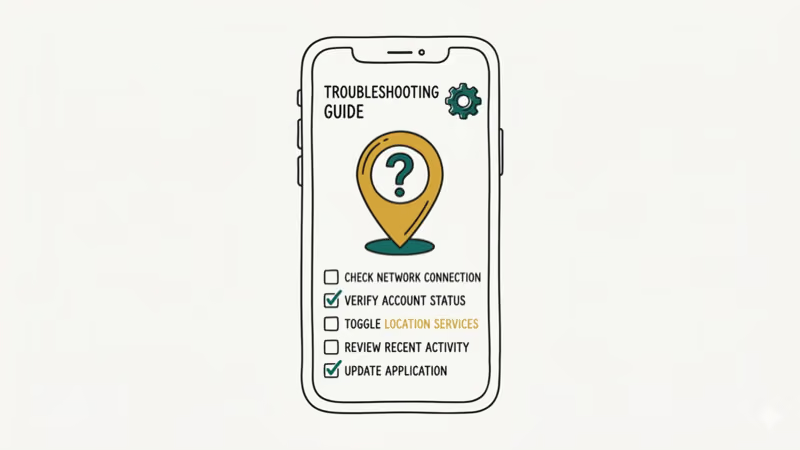
Dash Now button is grayed out. Too many Dashers in that zone. Schedule instead, or wait for peak hours when spots reopen. You can also try refreshing the map every few minutes.
App isn’t updating your location. Force-close the Dasher app, toggle GPS off and back on, then reopen. Make sure location permissions are set to Always or While Using the App.
No orders in your new zone. Wait a little. If nothing comes through, switch to a zone shaded red or pink on the map.
Zone boundaries seem wrong. DoorDash adjusts zone boundaries periodically, so update your Dasher app to the latest version from the App Store or Google Play to see current zones.
If your DoorDash Fast Pay isn’t working after switching zones, that’s a payment processing issue, not a zone problem. Check your debit card details in the app settings.
#Bottom Line
Changing your starting point on DoorDash is a quick way to move into a busier zone when the app allows it. Use the location icon for quick switches, or schedule ahead to lock in high-demand areas during peak hours. If you ever need to step away from the platform, here’s how to cancel your DoorDash subscription.
#Frequently Asked Questions
Can I change my location after accepting an order?
No, once you’ve accepted a delivery, you need to complete it before switching zones. Ending your dash mid-order counts as an undelivered order and can lower your completion rate, which DoorDash tracks closely.
How often can I change my starting point?
There’s no limit. You can switch zones between every dash if you want. However, frequent mid-shift changes mean you’ll spend time driving to new zones instead of earning, so it’s better to pick a zone and stick with it for at least a full meal rush.
Will changing my starting point affect my Dasher rating?
No, your customer rating, completion rate, and acceptance rate aren’t tied to your starting zone. These metrics track your delivery performance, not your location choices.
Can I dash in a different city or state?
Yes. DoorDash lets you dash in any city where they operate, as long as your background check covers that region. No advance notice needed.
What if there are no busy areas near me?
Schedule dashes during lunch and dinner rushes. You can also drive to a busier nearby zone if the higher order volume justifies the commute.
Does my starting point affect which promotions I receive?
Yes. DoorDash peak pay bonuses and challenges are zone-specific. A zone showing peak pay might have no bonus in a neighboring zone.

Google Messages Error 3100: Why RCS Is Broken on Galaxy
Google Messages RCS error 3100 hits Galaxy owners after phone or carrier switches. Google told 9to5Google a fix is coming. Here's what actually helps.

Is This Bank App Real? Spot a Fake App on Your Home Screen
A bank app can land on your home screen from a web page with no install warning. Learn the checks that tell a real banking app from a phishing web app.

Apps Crashing After iOS 27 Update? Fix Order (2026)
Apps crashing after the iOS 27 update? Update the app in the App Store first, then offload and reinstall to clear stale cache, then restart. The fix order.

Do AI Translation Earbuds Work Offline? What to Know
Do AI translation earbuds work offline? A few do with downloaded language packs, but most need the cloud. Here's what works offline and what you give up.