How to Unlock a SIM Card: PIN, PUK, and Carrier Unlock Guide
Learn how to unlock a SIM card locked by PIN, PUK, or carrier restrictions. Step-by-step guide for Android and iPhone with tips to prevent lock-outs.
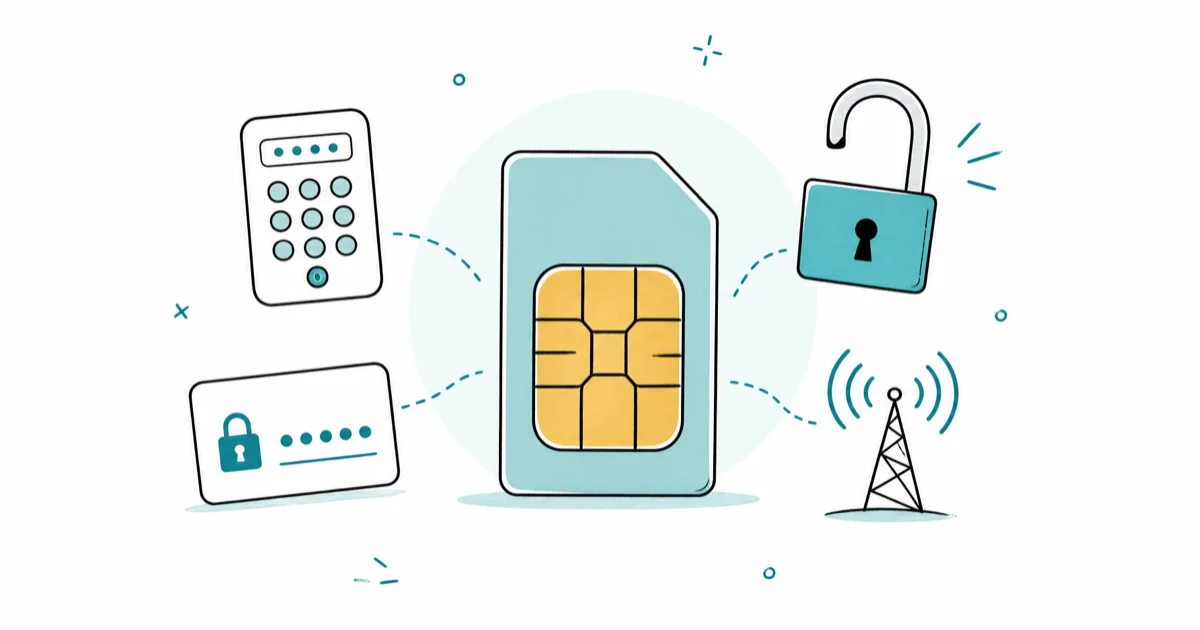
Quick AnswerTo unlock a PIN-locked SIM card, enter the correct PIN or use your PUK code (found on the SIM packaging or by calling your carrier). For carrier-locked SIMs, contact your provider to request a network unlock code after meeting eligibility requirements.
A locked SIM card is one of two things: a PIN lock you triggered by entering the wrong code too many times, or a carrier network lock that restricts your phone to one provider. Both are solvable, but the process is different for each. This guide gives exact steps for both scenarios on Android and iPhone.
This guide applies only to a device or account you own.
- There are two main SIM lock types: a PIN lock (user-set, 4-8 digits) and a network lock (carrier-imposed, requiring an unlock code).
- Entering the wrong PIN 3 times locks the SIM; you then need the PUK code from your SIM packaging or carrier.
- Entering the wrong PUK code 10 times permanently destroys the SIM card, so contact your carrier rather than guessing.
- Carrier unlock eligibility usually requires finishing your contract or device payment plan with an account in good standing.
- Store your PUK code somewhere safe the moment you activate a new SIM card, before you ever need it.
#PIN vs. Network Lock: Which Type Do You Have?
These two lock types look the same on screen but have completely different solutions:
PIN lock: You or someone else enabled a SIM PIN, and now too many wrong attempts have locked the card. Your phone asks for a PIN at startup. This is a user-set security feature. The fix is entering the correct PIN, or using the PUK code if the PIN is locked out.
Network lock (carrier lock): Your phone is tied to a specific carrier. Inserting a SIM from a different carrier shows “SIM Not Supported” or “Invalid SIM.” This is set by the carrier who sold you the device. The fix is requesting a carrier unlock code.
#How Do You Unlock a PIN-Locked SIM Card?
If you’ve entered the wrong PIN three times, your SIM is PIN-locked and requires the PUK code to proceed.
Step 1: Get your PUK code. The PUK (PIN Unlock Key) is an 8-digit code. Find it by:
- Checking the original SIM card packaging (usually printed under a scratch-off strip)
- Logging into your carrier’s online account portal (AT&T, Verizon, T-Mobile all show PUK codes in account settings)
- Calling your carrier’s customer service line
Step 2: Enter the PUK code carefully. Insert the SIM into your phone. When prompted, enter the PUK code exactly as shown. Don’t guess. You get 10 attempts before the SIM is permanently deactivated with no recovery possible.
Step 3: Set a new PIN. After a correct PUK entry, the phone asks you to create a new 4 to 8-digit PIN.
AT&T typically displays the PUK code in the account portal under Manage SIM > SIM Details, and T-Mobile provides it via customer service chat. On most Android phones, the device accepts a new PIN immediately after a correct PUK entry.
If you don’t know whether your SIM even has a PIN set, check the SIM lock settings. On iPhone, go to Settings > Cellular > SIM PIN. On Android, go to Settings > Security > SIM Card Lock.
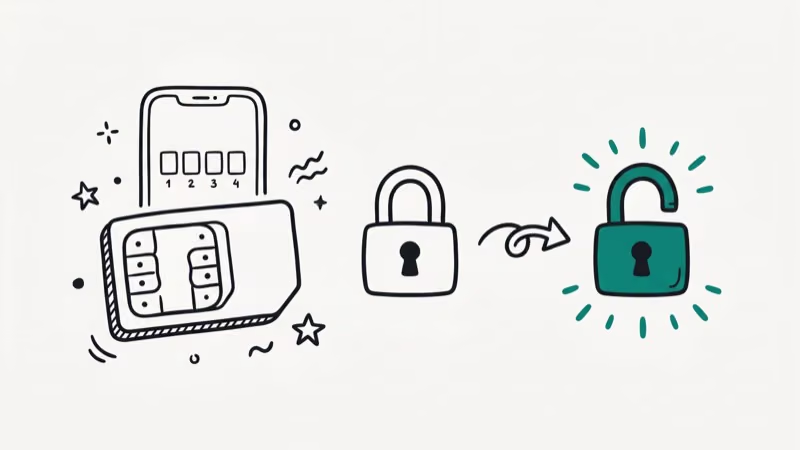
#Requesting a Carrier Unlock
Every major US carrier must unlock devices if you meet their eligibility requirements. According to the FCC’s cell phone unlocking rules, carriers are required to unlock devices for customers and former customers who have satisfied their contracts or payment plans, and must respond to unlock requests within two business days. Major US carriers must provide this unlocking at no additional fee.
Eligibility requirements (most carriers):
- Contract is complete or device is fully paid off
- Account is in good standing (no past-due balance)
- Device isn’t reported lost or stolen
- Required holding period has passed (usually 40-60 days for new activations)
Steps to request a carrier unlock:
- Call your carrier or log into your account portal
- Request a SIM unlock or IMEI unlock
- Provide your IMEI number (dial *#06# to find it)
- Wait for confirmation by email (typically 1 to 3 business days)
- Follow the carrier’s instructions to complete the unlock (usually involves inserting a non-carrier SIM)
For carrier-specific steps, see our guides on unlocking a Cricket phone and unlocking a Verizon phone.
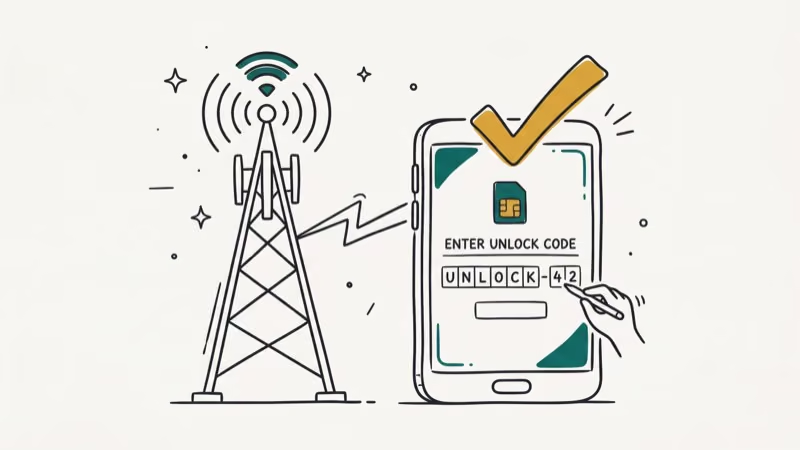
If you see a carrier lock: no SIM restrictions error, that message specifically indicates the device is carrier-locked rather than PIN-locked.
#Why Isn’t My SIM Unlocking? Common Problems and Fixes
“Invalid SIM” after carrier unlock: Restart the phone after inserting the new SIM. Some phones require a restart to recognize the unlock. On iPhone, you may also need to update iOS after the unlock completes.
Carrier says you’re not eligible: Check your exact contract end date or device payoff status. Some payment plans require 24 months of payments even if you’ve had the phone longer. Financing through a third party (Best Buy, Amazon) may have different terms than buying directly from the carrier.
PUK code not accepted: Double-check the number. PUK codes are case-sensitive for some carriers that include letters, though most are purely numeric. If the code is wrong, call your carrier immediately rather than attempting additional entries.
SIM still locked after carrier confirms unlock: The unlock is applied to your IMEI, not the SIM. Try a full power cycle after waiting 24 hours. According to Apple’s carrier-unlock guide, only your carrier can unlock an iPhone, and you’ll see “No SIM restrictions” under Carrier Lock in Settings once it’s done. An iPhone sometimes needs a Wi-Fi connection, or a restore through Finder or iTunes, to finish applying the unlock on older iOS versions.
If you’re dealing with related issues, our guide on fixing an invalid SIM card error covers SIM detection problems that can occur alongside lock issues.
For situations where a SIM won’t activate at all, our SIM Not Provisioned MM2 guide covers that specific error.
#What a SIM Lock Actually Is
A SIM lock and a PIN lock solve different problems, and confusing them wastes time. A network (SIM) lock is set by the carrier to tie the handset to its service. A PIN lock is a user-set code that protects the SIM itself if the phone is stolen.
The distinction matters because the fix differs. A carrier lock needs an unlock code from the provider, while a PIN lock needs the PUK from your SIM packaging or account portal.
According to the overview of SIM locking, carriers used network locks to recover the subsidized cost of a discounted phone. Once your contract or payment plan is complete, that lock can be removed at no charge under FCC rules, so eligibility almost always comes down to whether the device is fully paid off and the account is current.
#How to Prevent SIM Card Lock-Outs
Save your PUK code before you need it. When you activate a new SIM, copy the PUK from the packaging into a password manager right away. The packaging is usually long gone by the time you need it.
Disable the SIM PIN if you don’t use it. Unless you specifically need the PIN for security (for example, if your phone lacks biometrics), consider turning it off. On iPhone: Settings > Cellular > SIM PIN > toggle off. On Android: Settings > Security > SIM Card Lock > disable.
Change your PIN away from defaults. Common default PINs like 1234 and 0000 are the first thing tried if someone finds your SIM. If you use a SIM PIN, set a custom one.
#Bottom Line
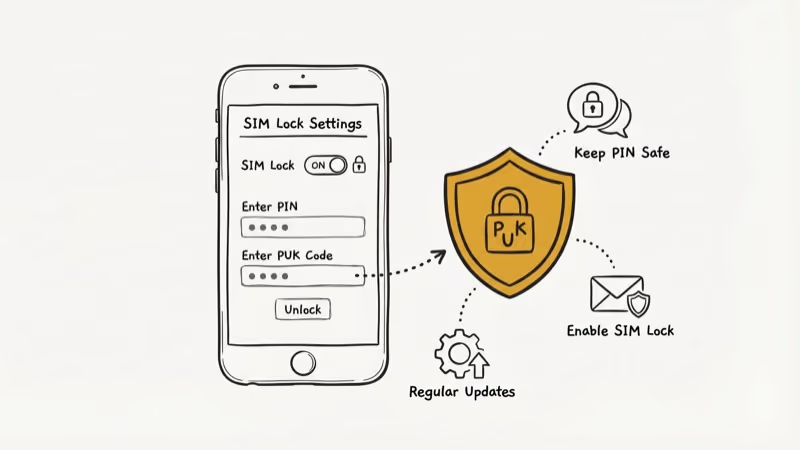
For a PIN-locked SIM, get your PUK code from the original packaging or your carrier, then enter it carefully (10 wrong attempts destroys the SIM permanently). For a carrier-locked SIM, contact your carrier with your IMEI, confirm you meet eligibility requirements, and request a network unlock. Most unlocks complete within 1 to 3 days. Store your PUK code somewhere safe as soon as you activate a new SIM.
#Frequently Asked Questions
Is unlocking a SIM card legal?
In the United States, yes. The FCC requires carriers to unlock devices for eligible customers. Carrier-approved unlocking doesn’t affect your warranty. Third-party unlock services operate in a legal gray area and may void warranties.
Will unlocking my SIM card erase my data?
No. Neither a PIN unlock via PUK nor a carrier network unlock erases phone data. Both only affect the SIM card’s lock status, not stored files or apps.
How long does a carrier unlock take?
Most major US carriers process unlock requests within a few business days, and some complete them within hours. According to the FCC, carriers must respond to an unlock request within two business days.
Can I unlock a SIM if the phone is still under a payment plan?
Usually no, unless the payment plan is paid in full. Each carrier has different policies. Verizon, for example, automatically unlocks devices once the full device price is paid off.
What happens if I enter the wrong PUK code 10 times?
The SIM card is permanently deactivated and can’t be recovered. You’d need a replacement SIM from your carrier. The phone number is usually preserved and can be assigned to the new SIM.
Does my iPhone need to be factory unlocked to accept a new SIM?
Yes. If an iPhone is carrier-locked, it won’t work with a SIM from a different carrier until the original carrier approves the unlock. Once unlocked, it accepts any compatible SIM worldwide.
What’s the difference between a SIM unlock and an iCloud unlock?
A SIM unlock removes carrier restrictions, letting you use the phone with different carriers. An iCloud unlock (Activation Lock removal) is a completely separate process for when a previous owner’s Apple ID is still tied to the device. They solve different problems.
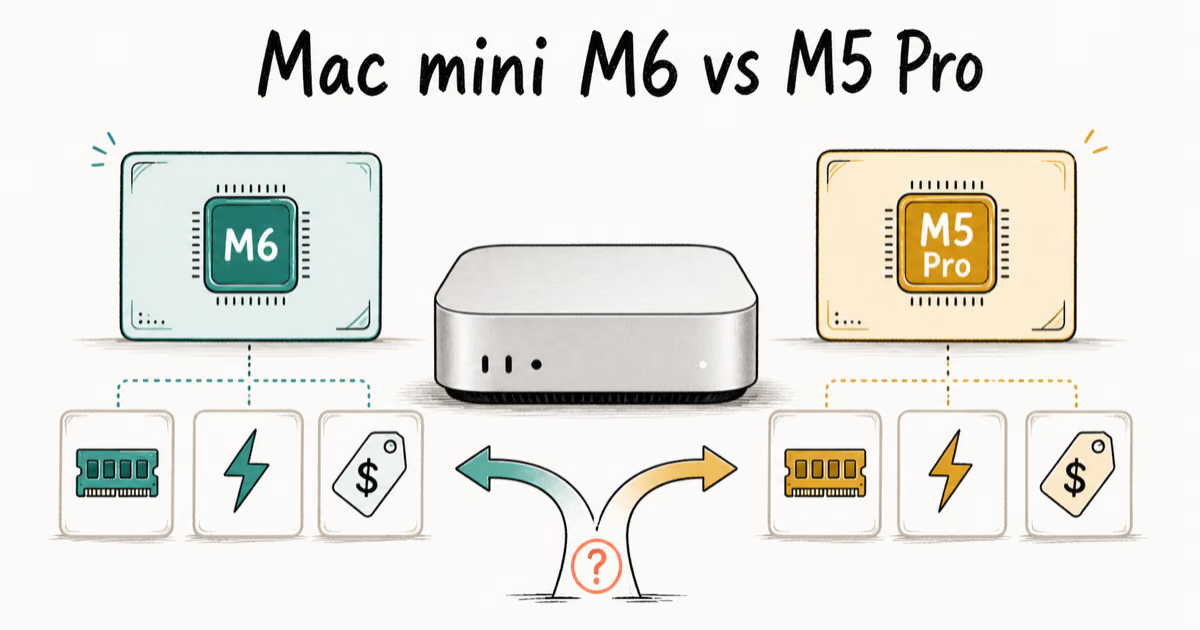
Mac mini M6 vs M5 Pro: Which Model Should You Buy?
Mac mini M6 vs M5 Pro compared on price, memory, ports, displays, and real workloads. Find the better 2026 Mac mini for your desk and budget.
Apple Siri Settlement: Who Qualifies and How to Claim
Apple's $250 million Siri settlement covers iPhone 15 Pro and iPhone 16 models bought June 2024 to March 2025. See who qualifies and how claims work.
iOS 26.6.1 Security Update: What Apple Fixed and Who Gets It
Apple released iOS 26.6.1 on August 17 with 29 security fixes, including an IPSec interception bug. See what it patches, who gets it, and how to update.
iPhone Adaptive Power: How It Works and When to Use It
Learn how iPhone Adaptive Power works, which models support it, what it changes, and when Low Power Mode is still the better battery-saving choice.