9 min read
AirPods Connected but Sound Coming From Phone: 8 Fixes
AirPods connected but sound plays through your phone speaker? Fix audio routing with 8 practical methods for all AirPods models on iPhone, iPad, and Mac.
#AirPods
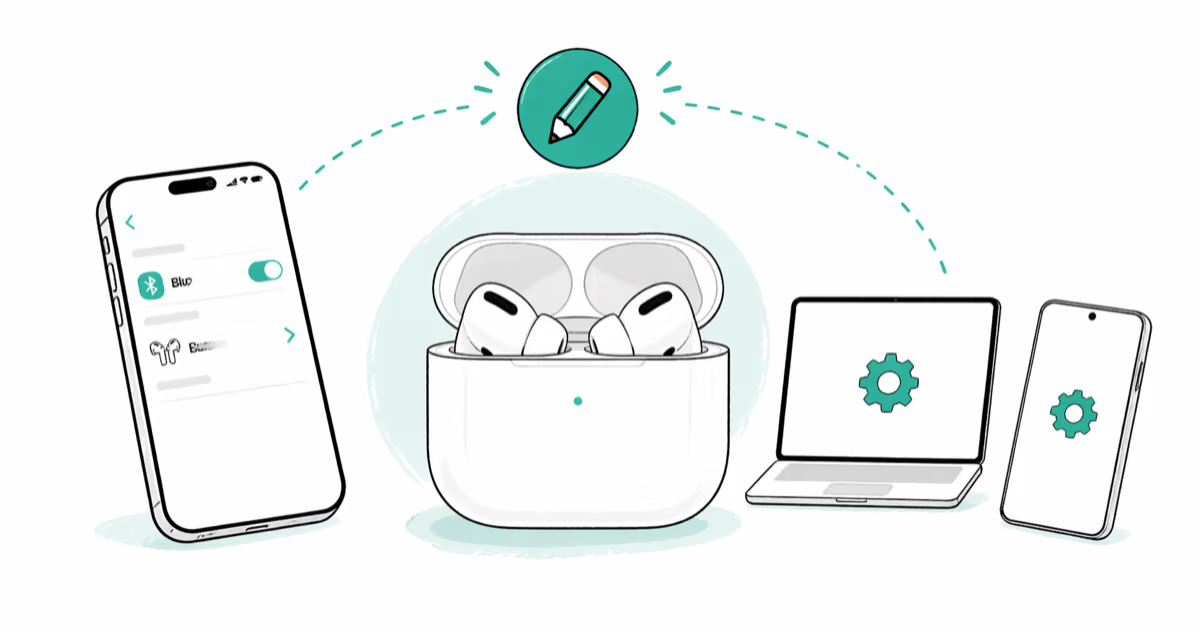
Rename AirPods on iPhone, Mac, Android, or Windows with current steps for every model, including AirPods Pro 3, plus fixes when names do not update.
AirPods connected but sound plays through your phone speaker? Fix audio routing with 8 practical methods for all AirPods models on iPhone, iPad, and Mac.
Fix the Find My AirPods sound pending error with 7 practical steps. Covers dead battery, out of range, Bluetooth issues, and re-pairing fixes.
One AirPod dying faster than the other? Fix it by switching the default mic, resetting the case, and balancing usage. 7 proven solutions inside.
Fix AirPods that won't connect to iPhone or Mac. Covers charging, Bluetooth pairing, current compatibility requirements, and model-specific reset steps.
AirPods hurting your ears? 7 proven fixes including repositioning, ear tip swaps, and break timing. Works for all AirPods models on iOS 17 and later.
AirPods work on planes with Bluetooth enabled in Airplane Mode. Here is what airlines allow, how to connect, and tips for noise cancellation at altitude.
AirPods not flashing white means they can't enter pairing mode. Here's how to reset, charge, and clean your way back to a working connection.
AirPods too quiet? Clean the speaker mesh, turn off Reduce Loud Sounds, and reset Bluetooth. 7 proven fixes for all AirPods models on iOS 17+.
Fix one AirPod louder than the other with 5 proven methods. Covers earwax cleaning, audio balance, re-pairing, and when to contact Apple for replacement.
AirPod mic not working? Clean the mesh, check mic settings, re-pair, update firmware, or reset. Six practical checks for compatible AirPods models.
AirPods case not charging? Reset the case, clean the port, and swap cables. 6 fixes proven on AirPods Pro 2 and AirPods 3 with step-by-step results.
Fix AirPods not connecting to your Mac. Covers Bluetooth resets, macOS compatibility, audio output, AirPods reset, interference, and battery checks.