Best Voice Changers for PS4: Voicemod and Clownfish Setup
Get the best voice changers for PS4 with Voicemod and Clownfish. Step-by-step setup guide for PC routing, audio cables, and real-time effects.
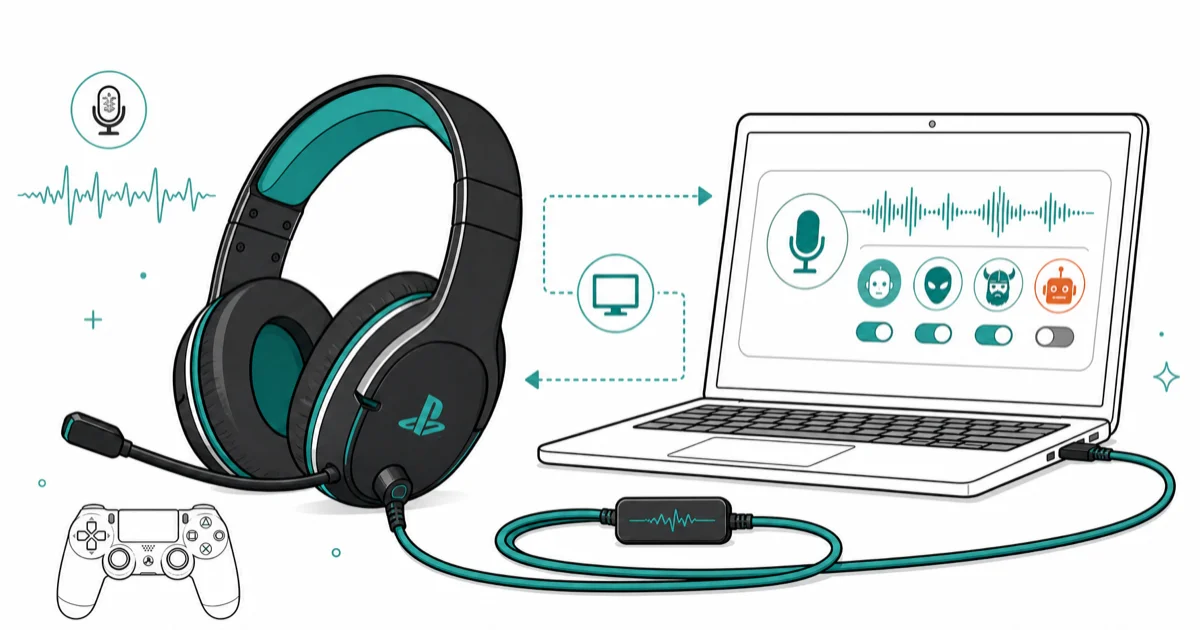
Quick AnswerVoicemod is the best voice changer for PS4. Route audio through your PC using Remote Play, connect a virtual cable to your PS4 headset, and apply real-time voice effects while gaming.
Voice changers don’t work directly on PS4 because the console lacks native support for third-party audio modification software. You need to route audio through a PC using PS4 Remote Play and a virtual audio cable to apply real-time voice effects.
- PS4 requires PC routing through Remote Play since consoles don’t support voice changers natively
- Voicemod offers the best PS4 compatibility with real-time effects and customizable soundboards
- Clownfish Voice Changer provides a completely free alternative that works system-wide on Windows
- You need a PS4 headset, AUX cord, and double adapter for the physical audio connection
- Voice changers run on your PC as background processes and don’t affect PS4 game performance
#What Makes Voice Changers Work With PS4
Voice changing software modifies your voice in real-time by altering pitch, tone, and adding effects like robot or alien voices. Voicemod and Clownfish are common PC options for routing modified audio into PS4 voice chat through Remote Play.
The PS4 doesn’t support voice changers directly, so you’ll route audio through your computer instead. This setup lets you apply voice effects to party chat, in-game communication, and streaming platforms seamlessly.
According to PlayStation’s official headset support page, the console routes chat and game audio through a paired headset using its built-in audio system, but it can’t run third-party voice modification apps.
#Is Voicemod Compatible With PS4
Yes, Voicemod works with PS4 through PC audio routing. You’ll install Voicemod on your computer, connect your PS4 via Remote Play, and use a virtual audio cable to pipe modified audio to your headset.
Voicemod offers over 80 voice effects including robot, alien, chipmunk, and custom soundboard options. The free version includes a limited rotating set of effects, while paid plans unlock the broader library.
The Pro version costs $12 every three months and includes unlimited voice effects, custom voice creation, and sound effects integration capabilities that transform your gaming experience completely. According to Wikipedia’s article on soundboard programs, Voicemod combines a voice changer, a voice generator, and a soundboard in the same app, which is why a single install covers party chat effects and custom sound clips.
#What Equipment Do You Need for PS4 Voice Changing
You’ll need specific hardware to connect your voice changer setup successfully:
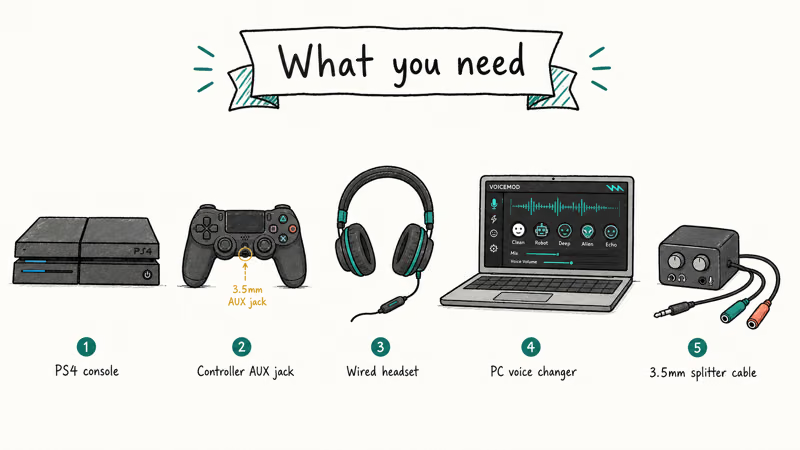
- PS4 console (any model)
- Windows PC with PS4 Remote Play installed
- PS4 headset with microphone
- AUX cable (3.5mm male-to-male)
- Double adapter (splits mic and audio)
The double adapter separates your headset’s microphone and speaker signals. This component lets your PC process the microphone input through the voice changer while sending modified audio back to your headset.
Headset compatibility is broad here. Any wired 3.5mm headset works with this routing, including third-party gaming headsets, but wireless models that pair through a USB dongle bypass the AUX path and won’t carry the modified audio.
If you already own a PC and PS4, the extra hardware is usually just inexpensive analog cabling, making the setup affordable for basic voice modification.
Also check out our guides on Discord voice changers and VRChat voice effects if you game across multiple platforms.
#How Do You Set Up Voicemod for PS4?
Here’s the complete setup process:
Step 1: Install PS4 Remote Play Download PS4 Remote Play from Sony’s official website. Install it on your Windows PC and sign in with your PlayStation Network account to establish the connection.
Step 2: Download and Configure Voicemod Visit Voicemod’s official website and download the free version, which is approximately 150MB. After installation, grant microphone permissions and complete the voice setup wizard.
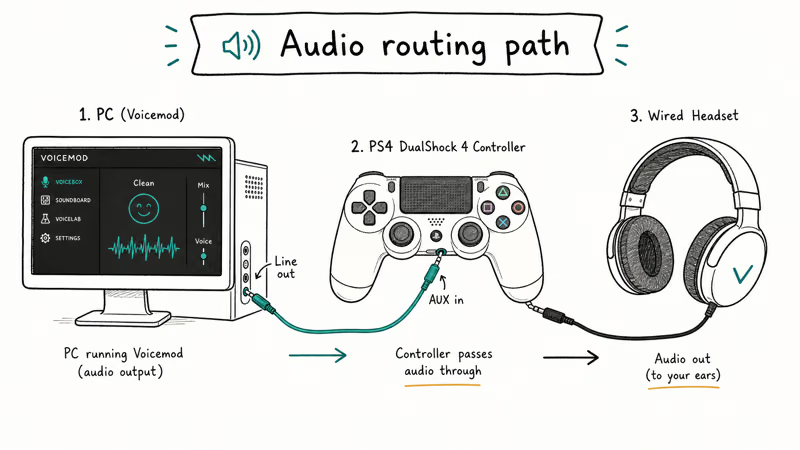
Step 3: Connect Your Hardware Plug your headset into the double adapter, then connect the adapter to your PC’s audio port carefully. Use the AUX cable to link your PC’s output to the adapter’s speaker input.
Step 4: Configure Audio Settings In Windows Sound settings, set Voicemod Virtual Audio Device as your default playback device. Set your physical microphone as the input device in Voicemod’s settings panel for optimal performance.
Step 5: Start Remote Play Launch PS4 Remote Play and connect to your console using the established network connection. Your voice will now route through Voicemod before reaching other players in real-time.
The entire setup is usually quick once Remote Play, Voicemod, and the audio cable route are configured correctly.
#Why Choose Clownfish Voice Changer?
Clownfish Voice Changer offers a completely free alternative to Voicemod. It works across all Windows applications, meaning it modifies audio for all programs without per-app configuration requirements. If you’re searching for a free voice changer for PS4 with no trial timer, no locked effects, and no Pro upsell, this is the one to install.
Clownfish includes built-in voice effects such as pitch shifting, robot voices, and echo effects. It’s lightweight and works system-wide, which makes it easier to manage than per-app voice routing.
Need voice changing for other games too? The picks in our best free voice changer roundup carry the same virtual-mic setup into Fortnite and other PC party chat lobbies.
#How Do You Install Clownfish for PS4
Follow these detailed steps for Clownfish setup:
Step 1: Download Clownfish Get Clownfish Voice Changer from the official developer website. The installer is about 7MB and includes no additional bundled software.
Step 2: Install and Restart Run the installer with administrator privileges and restart your computer completely. Clownfish automatically integrates with Windows audio drivers after the reboot process completes.
Step 3: Connect PS4 Hardware Use the same hardware setup as Voicemod with the double adapter, AUX cable, and headset connected to your PC. The connection order matters for proper signal routing.
Step 4: Configure Voice Effects Right-click the Clownfish icon in your system tray to access the settings menu. Select your preferred voice effect from the dropdown menu that appears.
Step 5: Test With Remote Play Launch PS4 Remote Play and start a party chat with friends to test the audio quality. Your voice effects apply automatically to all audio output.
Clownfish requires no ongoing maintenance or configuration adjustments once properly installed. The voice effects persist across computer restarts and work seamlessly with any PS4 game or app that supports voice communication.
#Do Voice Changers Affect PS4 Performance
No, voice changers don’t impact PS4 performance because they run entirely on your PC, not the console hardware. The PS4 receives pre-processed audio through Remote Play, so your console doesn’t handle any voice modification computational work.
Because voice changers run on the PC side, they should not reduce PS4 frame rate or controller response. The console receives processed audio rather than running the voice effects itself.
Sony’s official Remote Play documentation confirms that audio processing happens on the connected device (your PC), not the PlayStation console, which preserves gaming performance.
#Can You Use Voice Changers in All PS4 Games
Voice changers work with any PS4 game that supports voice chat functionality, including party chat and in-game communication systems. Common voice-chat contexts include:
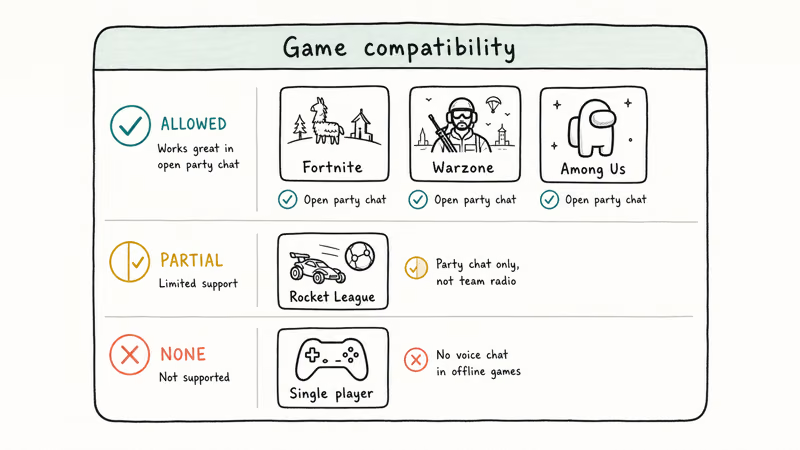
- Call of Duty: Modern Warfare multiplayer lobbies
- Fortnite squad voice chat
- FIFA 24 online matches
- Among Us discussion phases
Some games have built-in voice filters or proximity chat systems that might occasionally conflict with external voice changers or override PC-side routing.
The voice effects don’t work with single-player games that lack voice chat features entirely. Story-driven games like The Last of Us Part II won’t benefit from voice changers since they don’t include multiplayer communication systems.
Looking for more gaming audio tips? Our Clownfish voice changer guide covers all 14 built-in effects and VST plugin support.
#Bottom Line
Start with Voicemod’s free version if you want the easiest PS4 voice changer setup with professional features. It offers reliable voice effects, crystal-clear audio quality, and works perfectly with Remote Play after a straightforward 10-minute configuration process.
Choose Clownfish Voice Changer if you prefer a completely free solution that requires minimal ongoing management and system resources. Both options deliver real-time voice modification without affecting your PS4’s gaming performance, so you can transform your voice while maintaining competitive gaming standards.
#Frequently Asked Questions
Can you use voice changers without a PC?
No, PS4 doesn’t support voice changers directly. You need a Windows PC running PS4 Remote Play and voice changing software to modify audio before it reaches other players during online gaming sessions.
Do voice changers work with PS4 streaming?
Yes, voice changers work with PS4 streaming through platforms like Twitch and YouTube. The modified audio routes through your PC’s streaming software, so your viewers hear the voice effects in real-time during broadcasts. For a deeper walkthrough on routing console audio to chat platforms, see our PS4 to Discord streaming guide.
Will Sony ban you for using voice changers?
Sony doesn’t prohibit voice changers since they’re external PC software that doesn’t modify console firmware. However, using voice effects to harass other players can result in communication bans under PlayStation’s community guidelines.
Can you save custom voice settings?
Voicemod Pro lets you create and save custom voice profiles with specific pitch, effects, and soundboard combinations. Clownfish saves your selected voice effect automatically and applies it when you restart the software.
Do voice changers work with PS4 VR games?
Voice changers function with PS4 VR games that include voice chat features, but the effects don’t apply to single-player VR experiences.
How much bandwidth do voice changers use?
Voice changers don’t use additional bandwidth since they modify audio locally on your PC. Remote Play uses the same internet connection whether voice effects are enabled or disabled, typically requiring 5 Mbps for stable 720p streaming performance.
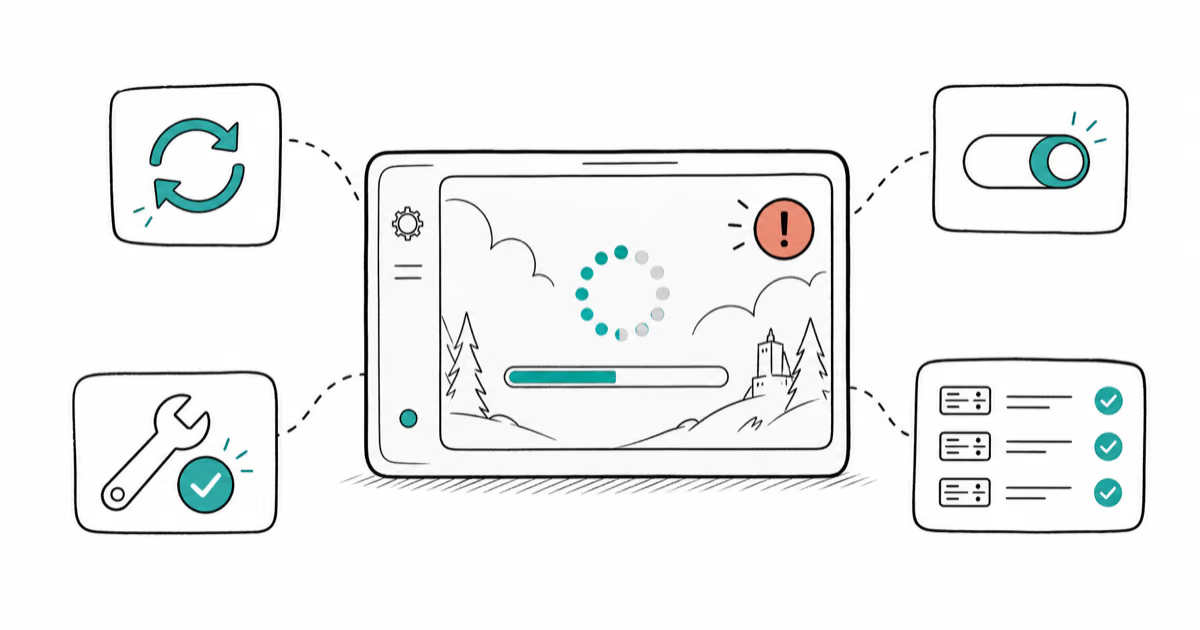
Fortnite Stuck on the Loading Screen? Fix It in 2026
Fortnite stuck on the loading screen? Check server status, fix the Windows N Media Pack and DirectX 11 on PC, clear the console cache, and verify files.
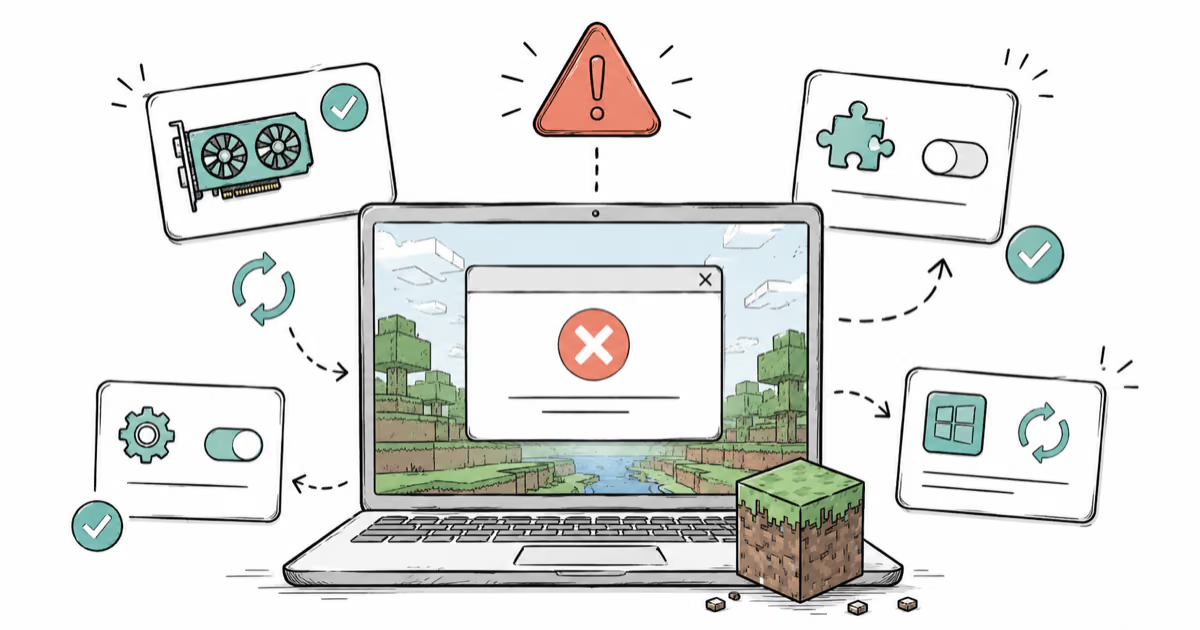
Minecraft Keeps Crashing? Java and Bedrock Fixes (2026)
Minecraft keeps crashing on startup or mid-game? Update your GPU driver, remove mods on Java, and reinstall Gaming Services on Bedrock. Fixes for both.
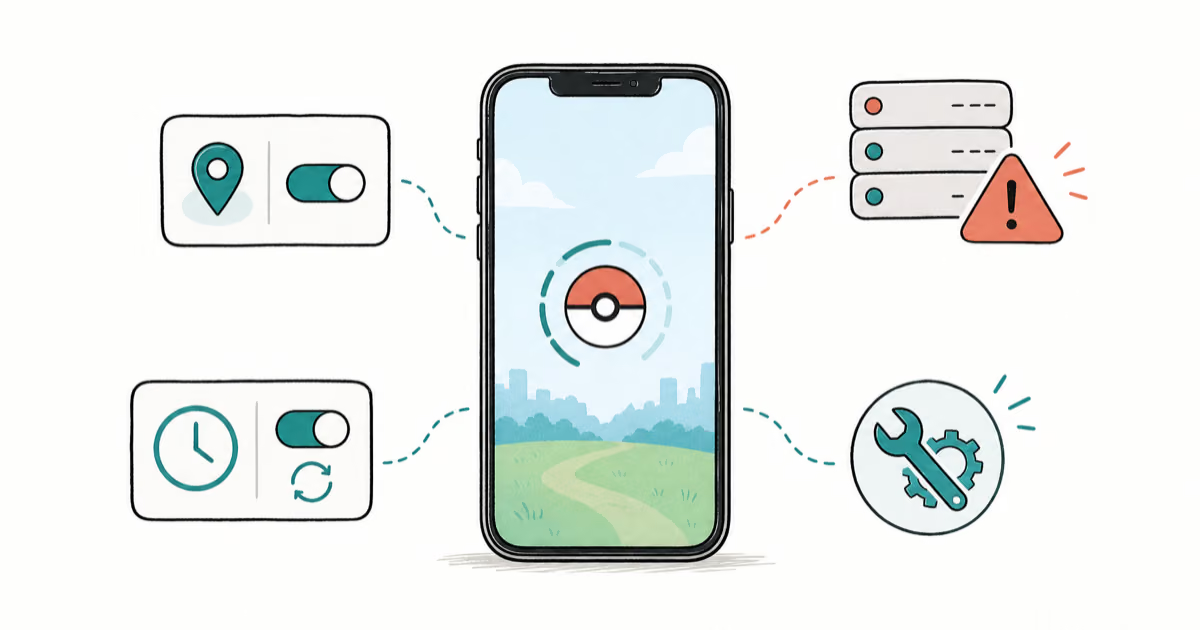
Pokemon GO Not Loading? Fix the Loading Screen 2026
Pokemon GO not loading or stuck on the Pokeball? Check server status, fix automatic date and time, grant location permission, clear the cache, and update.
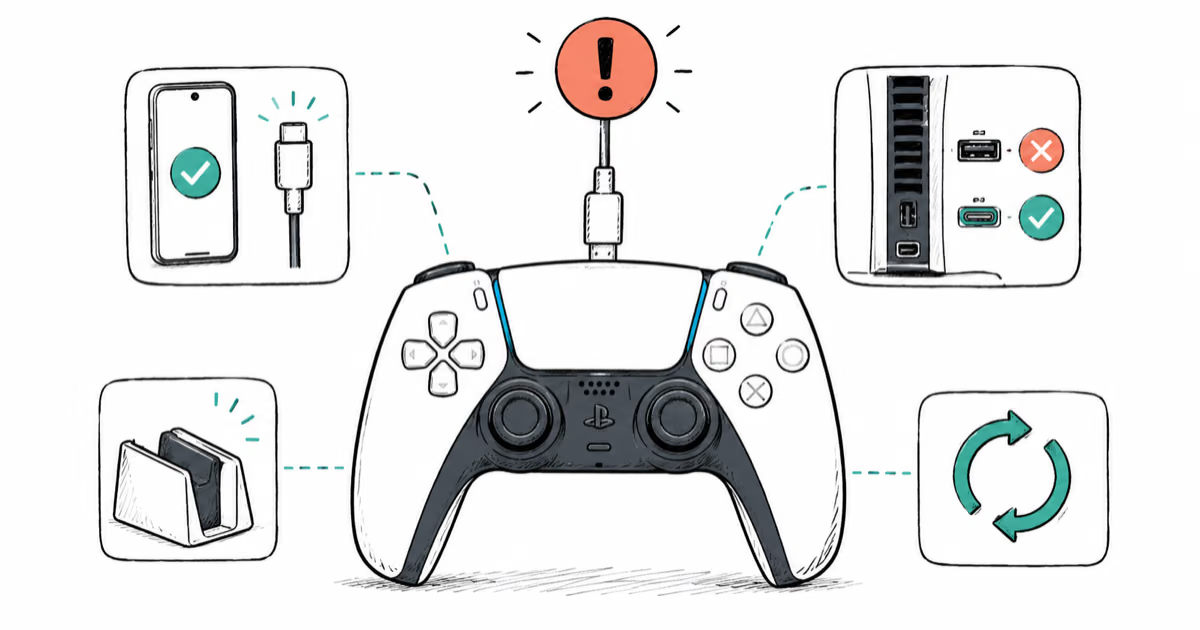
PS5 Controller Not Charging? 9 Fixes That Work (2026)
DualSense not charging? Swap the cable, use a rear port in Rest Mode, clean the USB-C port, and check power settings. 9 fixes for a dead PS5 controller.