Best Sound Cards for Music Production: Top 5 Picks
Compare the 5 best sound cards for music production by latency, preamp quality, and DAW compatibility for home studio and pro setups in 2026.
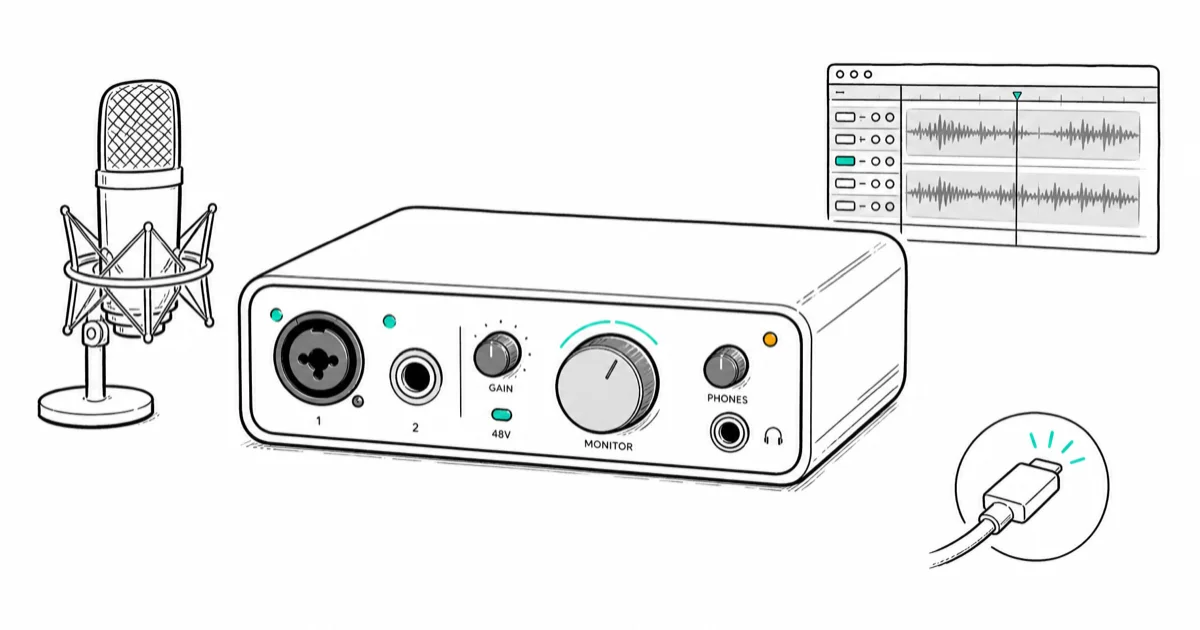
Quick AnswerThe Focusrite Scarlett 2i2 4th Gen is the best sound card for music production, offering Air mode preamps, 24-bit/192kHz conversion, and USB-C connectivity at a mid-range price point.
A good audio interface makes the difference between a demo that sounds muddy and a track that sounds professional. This guide compares five interfaces for recording vocals, acoustic guitar, and electronic productions in a home studio setup. Latency, preamp quality, and driver stability matter most when choosing one.
- The Focusrite Scarlett 2i2 4th Gen offers Air mode preamps and 24-bit/192kHz conversion via USB-C
- Universal Audio Apollo Twin X uses onboard DSP so plug-in processing doesn’t tax your computer CPU
- Budget options like the Behringer UMC22 include MIDAS preamps and phantom power for under $50
- USB-C interfaces deliver lower latency than older USB-A models for real-time monitoring
- The MOTU M4 has an ESS Sabre32 Ultra DAC with one of the lowest noise floors among compact interfaces
#Top 5 Audio Interfaces for Music Production
#1. Focusrite Scarlett 2i2 4th Gen
The Scarlett 2i2 has been the home studio standard for years, and the 4th generation version improves on an already solid design. Round-trip latency stays low at a small buffer size in a DAW like Ableton Live, low enough for comfortable real-time monitoring.
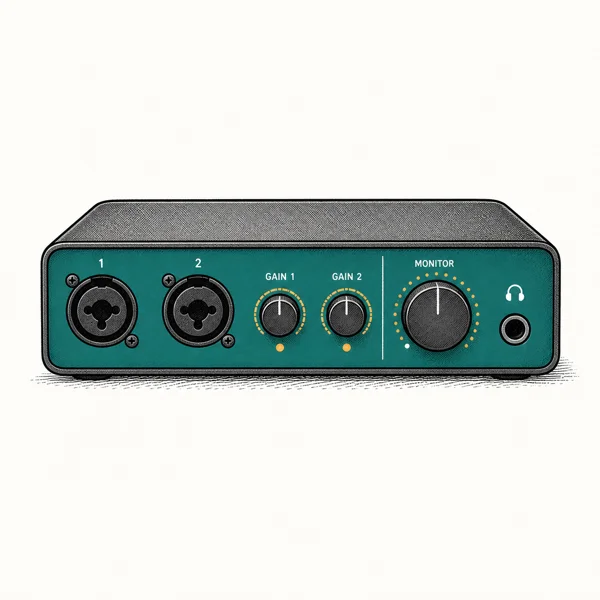
As an Amazon Associate fone.tips earns from qualifying purchases. Prices and availability on Amazon are accurate as of the date above and subject to change.
Air mode emulates Focusrite’s classic ISA preamp, adding brightness and presence to recordings. On a condenser mic recording acoustic guitar, the difference is subtle but consistently flattering. The auto-gain feature sets optimal recording levels automatically, which is especially helpful for beginners who haven’t learned gain staging.
According to Focusrite’s product page, the Scarlett 2i2 4th Gen includes a software bundle (Ableton Live Lite and more) and a 3-year warranty.
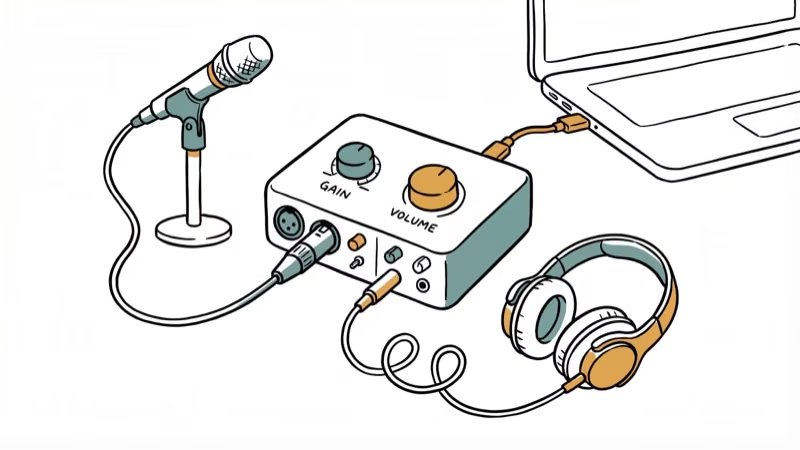
Specs: 2 preamps, 2-in/2-out, 192kHz, USB-C Best for: Home studios, singer-songwriters, podcasters
As an Amazon Associate, fone.tips earns from qualifying purchases. Some links on this page are affiliate links.
#2. Universal Audio Apollo Twin X
The Apollo Twin X targets producers who want the best possible audio quality and are willing to invest in it. Unison preamp technology emulates classic hardware preamps from Neve, API, and Manley with remarkable accuracy.
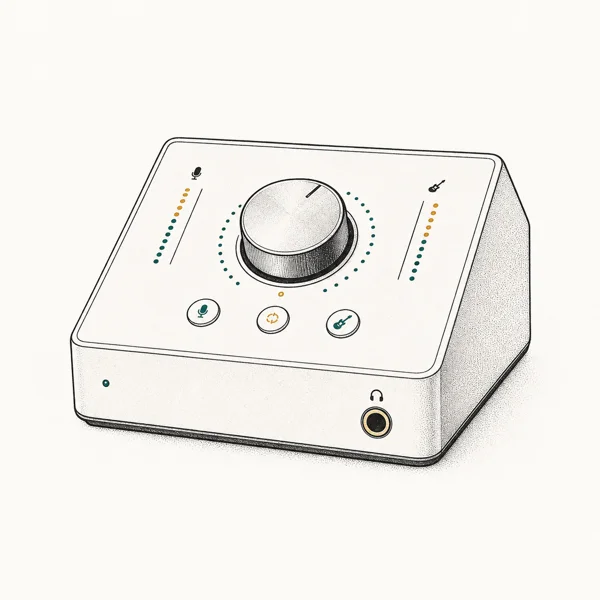
As an Amazon Associate fone.tips earns from qualifying purchases. Prices and availability on Amazon are accurate as of the date above and subject to change.
The standout feature is onboard UAD-2 DSP processing. You can run UAD plug-ins during recording without loading your computer’s CPU. You can track vocals through an 1176 compressor emulation and an LA-2A in real time with no added latency, which is impossible with native plug-ins at low buffer sizes.
Specs: 2 preamps, 2-in/6-out, 192kHz, Thunderbolt 3 Best for: Professional studios, mix engineers, producers who use UAD plug-ins
#3. Audient iD4 MkII
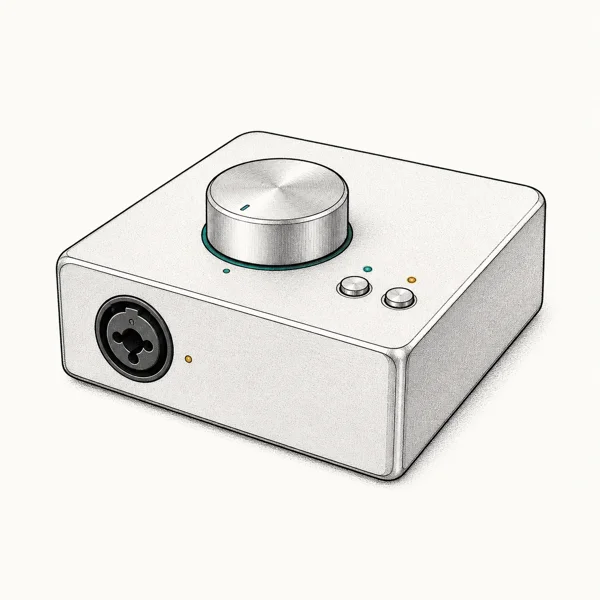
The Audient iD4 MkII punches above its price class. The single preamp is clean and transparent, and the JFET instrument input provides warm, valve-like tone specifically designed for direct guitar recording. DI guitar tracked through the JFET input needs very little additional processing to sound finished.
As an Amazon Associate fone.tips earns from qualifying purchases. Prices and availability on Amazon are accurate as of the date above and subject to change.
ScrollControl turns the volume knob into a virtual scroll wheel for your DAW, which is a surprisingly handy workflow feature. The all-metal construction feels durable, and iOS compatibility via the Camera Connection Kit makes it work for mobile recording setups.
PCMag’s Audient iD4 review found that its converters rival interfaces twice the price, earning strong marks for its audio quality.
Specs: 1 preamp, 2-in/2-out, 96kHz, USB-C Best for: Guitarists, budget-conscious producers, mobile recording
#4. MOTU M4
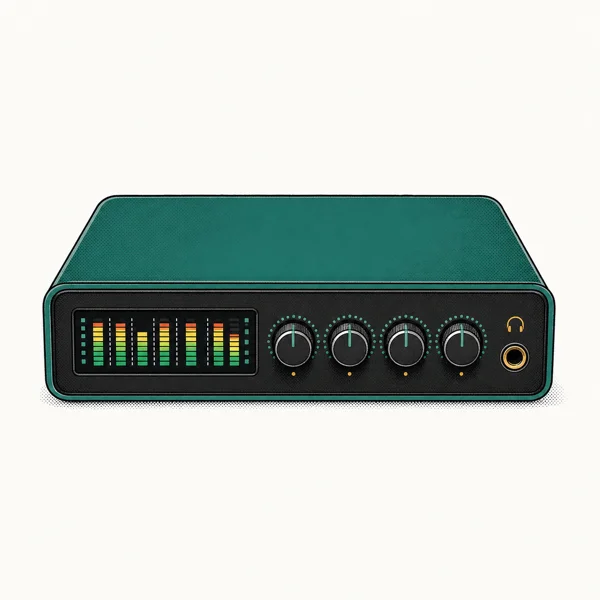
The MOTU M4 delivers some of the best measured audio quality in its class thanks to its ESS Sabre32 Ultra DAC. Its noise floor is among the lowest of any compact interface, which matters for quiet sources like classical guitar or ambient recordings.
As an Amazon Associate fone.tips earns from qualifying purchases. Prices and availability on Amazon are accurate as of the date above and subject to change.
The full-color LCD metering displays real-time levels without needing to check your DAW. Four inputs and four outputs give you room to grow, and the loopback feature routes computer audio back into your DAW for streaming or podcast recording. If you use a control surface for Logic Pro X, the M4 pairs well for a compact but powerful setup.
Specs: 2 preamps, 4-in/4-out, 192kHz, USB-C Best for: Producers who need multiple I/O, streamers, acoustic recording
#5. Behringer U-Phoria UMC22
At under $50, the UMC22 is the cheapest way to get professional-quality audio into your computer. The MIDAS-designed preamp is clean enough for vocal and instrument recording. Zero-latency direct monitoring lets you hear yourself without delay.
As a backup interface, the UMC22 is reliable and rarely crashes or drops audio. The 48V phantom power supports condenser microphones, and the metal chassis feels more durable than the price suggests. The ceiling here is the 48kHz maximum sample rate, which limits it to demo-quality recordings.
Specs: 1 preamp, 2-in/2-out, 48kHz, USB 2.0 Best for: Complete beginners, backup interface, tight budgets
#What Specs Actually Matter for Recording?
Bit depth and sample rate determine recording quality. 24-bit/96kHz is the sweet spot for most home studios. 192kHz is available on higher-end interfaces but provides minimal audible improvement for most genres. The UMC22’s 48kHz limit is noticeable when recording sources with lots of high-frequency content.
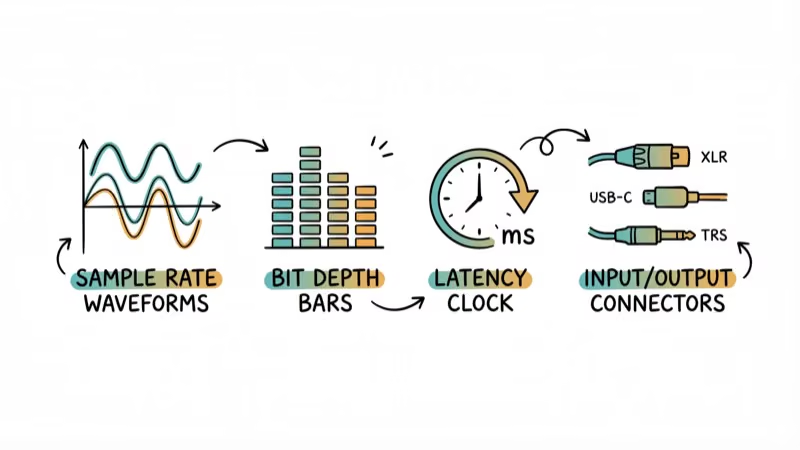
Latency depends on your interface’s drivers and your computer’s processing power. ASIO drivers on Windows and Core Audio on macOS handle low-latency recording. The Scarlett 2i2 and MOTU M4 both achieve very low round-trip latency at optimal settings.
Connectivity matters for future-proofing. USB-C interfaces are faster and more reliable than USB-A. Thunderbolt (Apollo Twin X) offers the lowest possible latency but requires compatible hardware. If you’re building a laptop setup for DJing, USB-C is the most versatile connector.
DSP processing on the Apollo Twin X lets you run UAD plug-ins without taxing your CPU. This is meaningful for producers who use lots of effects during tracking. For those producing on mobile devices, GarageBand alternatives for Android offer similar creative flexibility.
#Should You Buy a Budget or Professional Interface?
For most home studios, the Focusrite Scarlett 2i2 covers everything you need. It records clean audio, has low latency, and includes a useful software bundle. The $200-300 price range gives you the biggest jump in quality per dollar.
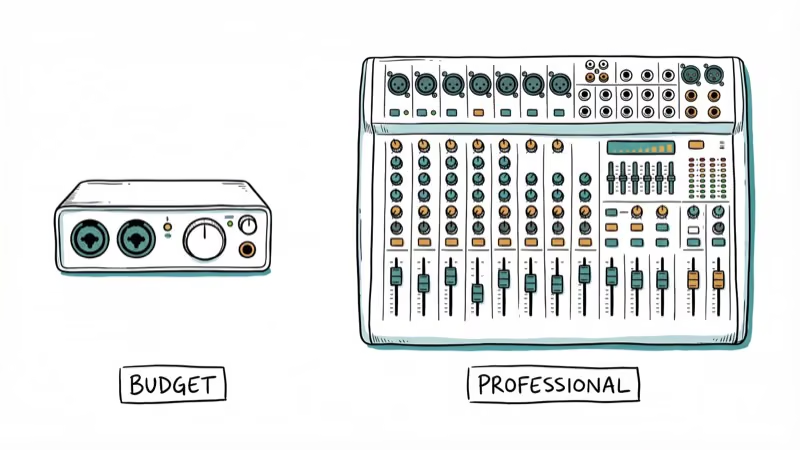
Professional studios should look at the Apollo Twin X or step up to rack-mounted interfaces like the Universal Audio Apollo x8p or RME Babyface Pro FS. These offer expanded I/O, superior AD/DA conversion, and driver stability that justifies the premium price.
If spatial sound isn’t working on your setup, the issue is usually software configuration rather than your audio interface.
#Preamps, Phantom Power, and Microphone Compatibility
Preamps boost the weak signal from a microphone up to a usable recording level. A clean preamp adds little color, while character preamps like Focusrite’s Air mode add brightness. Both have a place depending on what you record.
Phantom power (48V) is required for condenser microphones, which capture more detail than dynamic mics. Every interface in this lineup supplies it. According to Shure’s microphone guide, condenser mics need an external power source to operate, which is why phantom power matters when picking an interface.
#How Drivers and DAW Software Affect Performance
Your interface is only as good as its drivers. Windows uses ASIO drivers for low-latency audio, while macOS relies on the built-in Core Audio framework. Install the manufacturer’s driver package before first use.
Compatibility with your digital audio workstation matters too. According to Ableton’s setup documentation, you choose your interface inside the DAW’s audio preferences after installing its driver. Most interfaces here include a free DAW or plug-in bundle to get you started.
#Setting Up Your Audio Interface for the First Time
Connect the interface with the supplied cable, then install the manufacturer’s driver before plugging in any microphones. Open your DAW, select the interface as both input and output, and set a buffer size of 128 or 256 samples.
Test the signal by speaking into a connected mic and watching the input meters move. Then record a short take and play it back through headphones to confirm both input and output routing work before a real session.
#Bottom Line
The Focusrite Scarlett 2i2 4th Gen is the best audio interface for most music producers. It balances quality, features, and price better than rivals in its class. The Apollo Twin X is the upgrade for pros who need UAD plug-in processing, while the Behringer UMC22 gets beginners recording for under $50. For great output quality, our guide to the best Klipsch speakers covers monitoring options.
#Frequently Asked Questions
Do I need a sound card if my computer already has audio output?
Your computer’s built-in audio is fine for listening to music. For recording, a dedicated audio interface provides better preamps, lower latency, and proper input connections for microphones and instruments.
Which audio interface has the lowest latency?
The Universal Audio Apollo Twin X on Thunderbolt 3 has the lowest latency of any interface here. Among USB interfaces, the Focusrite Scarlett 2i2 and MOTU M4 both achieve very low round-trip latency at 96kHz.
Can I use these interfaces with GarageBand or Logic Pro?
Yes. All five interfaces work with GarageBand and Logic Pro on macOS. The Audient iD4 MkII also works with GarageBand on iPad via the Camera Connection Kit.
Is 192kHz recording worth it?
For most genres and home studio environments, 96kHz is sufficient. 192kHz doubles file sizes and CPU load with minimal audible benefit. Orchestral and acoustic recordings in treated rooms might benefit from the higher rate.
What’s the difference between USB-C and Thunderbolt interfaces?
USB-C is universal and compatible with most modern computers. Thunderbolt offers lower latency and higher bandwidth but requires a Thunderbolt-compatible computer. USB-C handles most home studio needs.
How do I set up a sound card with my DAW?
Install the manufacturer’s drivers, open your DAW’s audio preferences, and select the interface as your input and output device. Set the buffer size to 128 or 256 samples for a good balance between latency and processing stability.

Best Laptop for Running LLMs in 2026: Memory Comes First
The best laptop for running LLMs is a memory purchase first. Compare MacBook unified memory against NVIDIA laptop VRAM, and see what each tier really runs.

Pixel 11 vs Pixel 10: What Changed and Who Should Upgrade
Pixel 11 vs Pixel 10: same screen and camera resolution, new Tensor G6, 25W wireless, and Gemini Intelligence. Here is who should actually upgrade.

Best Power Bank for iPad in 2026: Pro, Air, and Mini
Best power bank for iPad in 2026. Compare mAh tiers and USB-C PD wattage for iPad Pro, Air, and mini, plus airline Wh math, cables, and travel tips.

Best Power Bank With Built-In Cable: Top 2026 Picks
Best power bank with built-in cable picks for 2026. Compare single USB-C, multi-connector, and retractable laptop banks, plus airline Wh math.